FlatOut 2 - fo2plus
fo2plus is a mod for FlatOut 2 (GOG edition only, setup_flatout_2_1.0_(26697).exe v1.2). It adds AI drivers to LAN multiplayer, tournaments with the career cups, a winter weather and a Christmas weather on 46 stages, split screen, gamepad in the menus, a harder AI and other improvements. It runs on Windows and on Linux/Wine.
Current version: v0.2.2.
Downloads
Table of Contents
- Installation
- LAN multiplayer with AI
- Tournaments
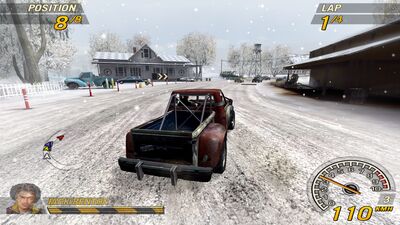
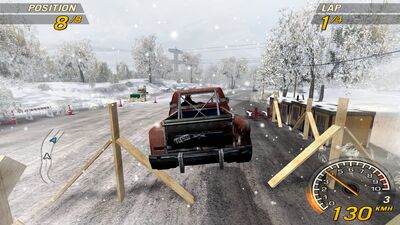
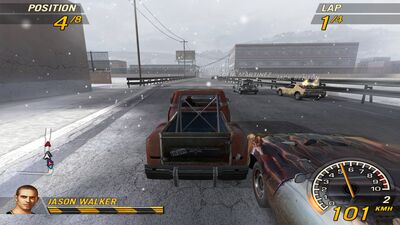
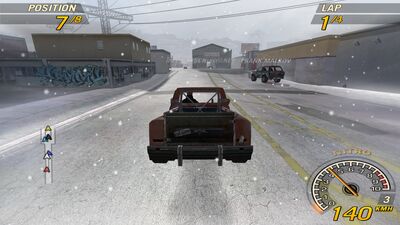
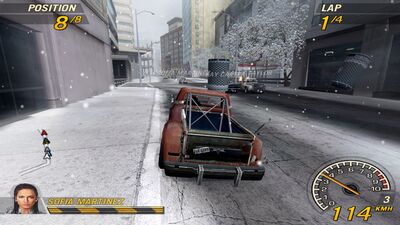
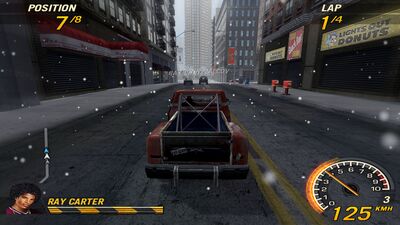
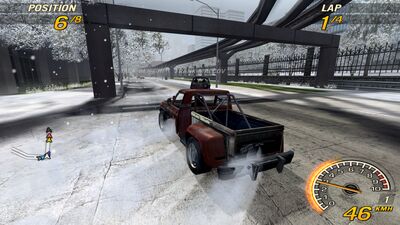
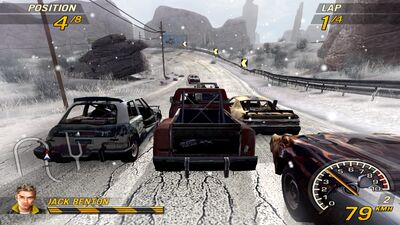
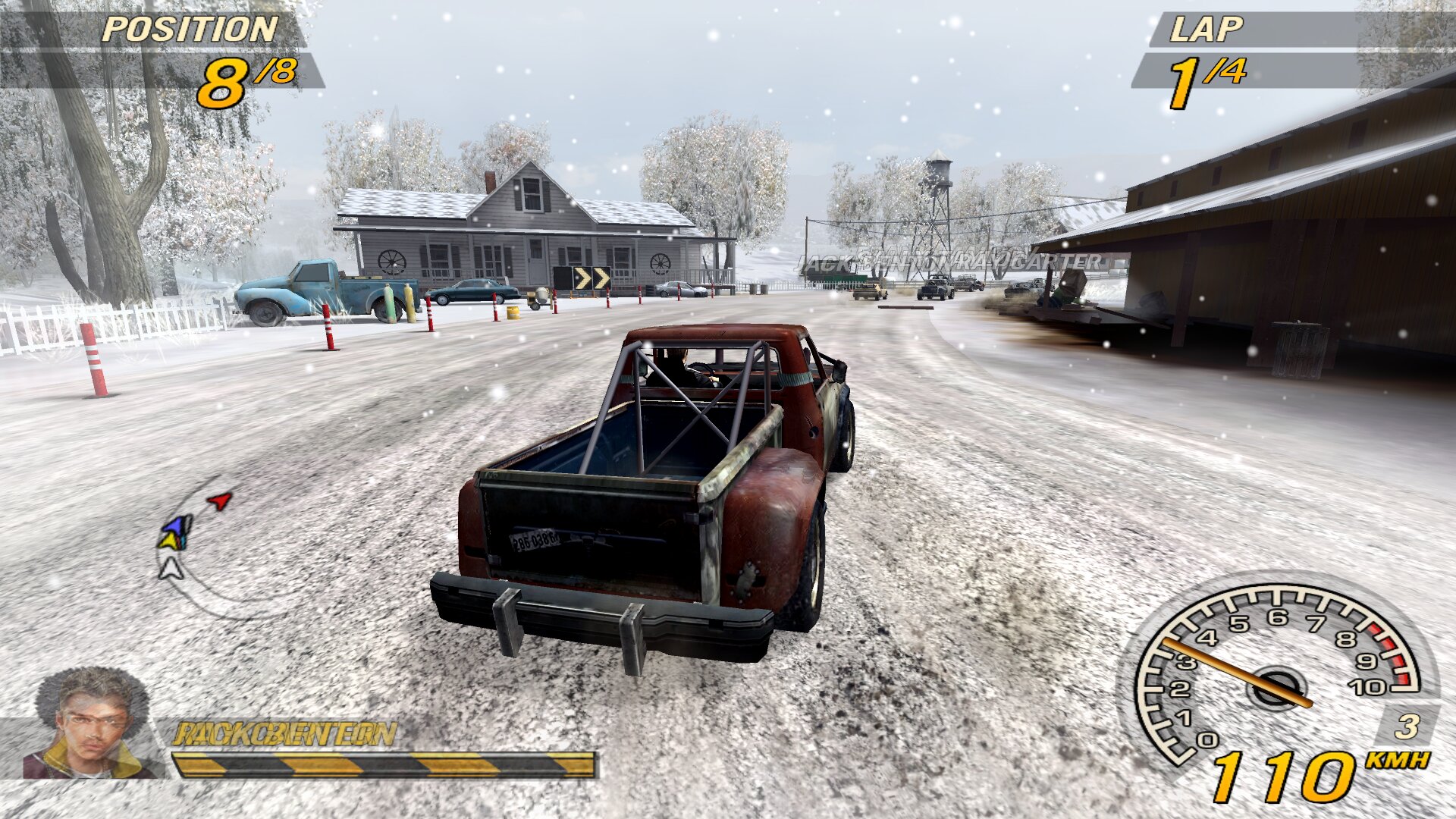
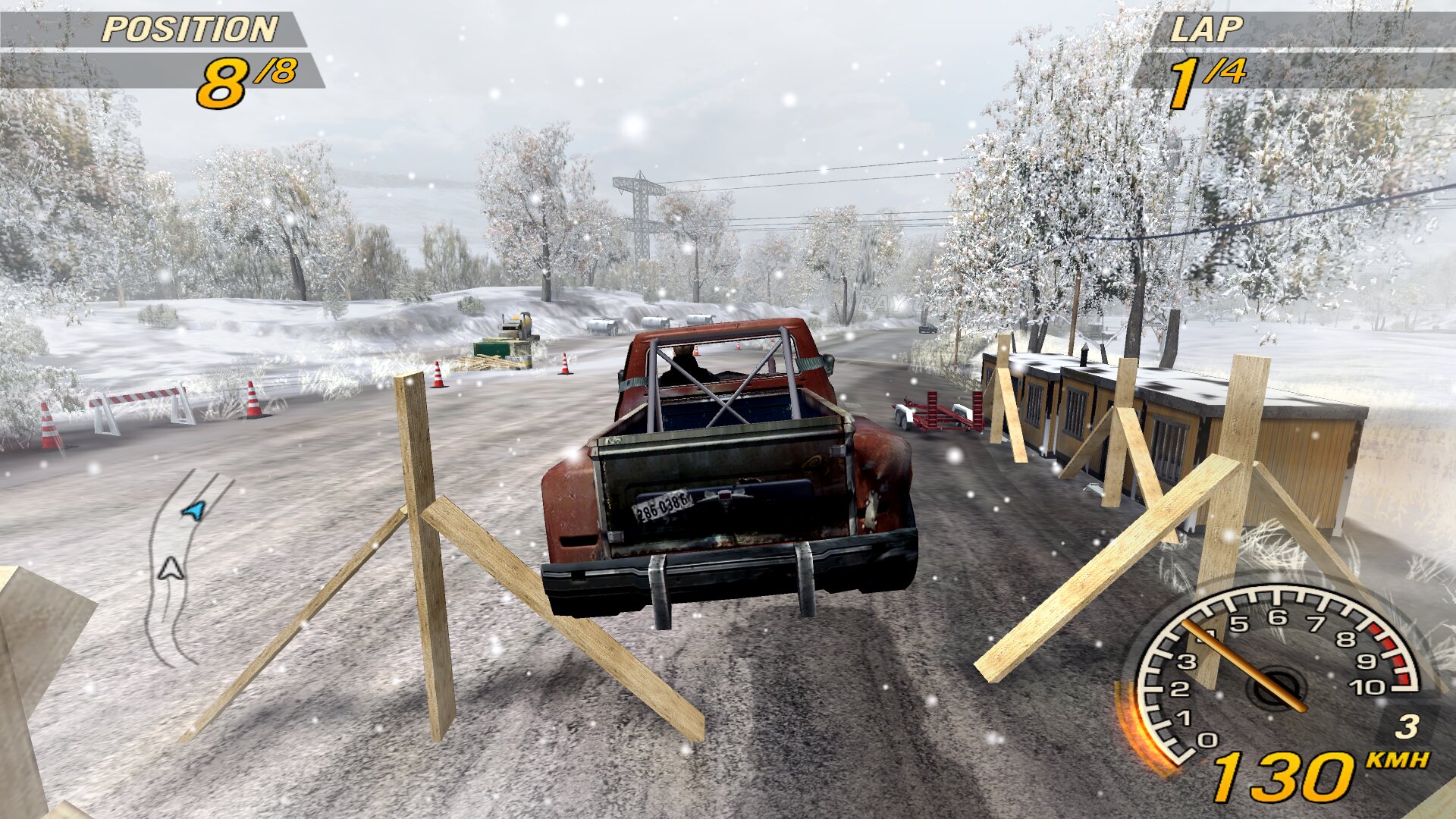
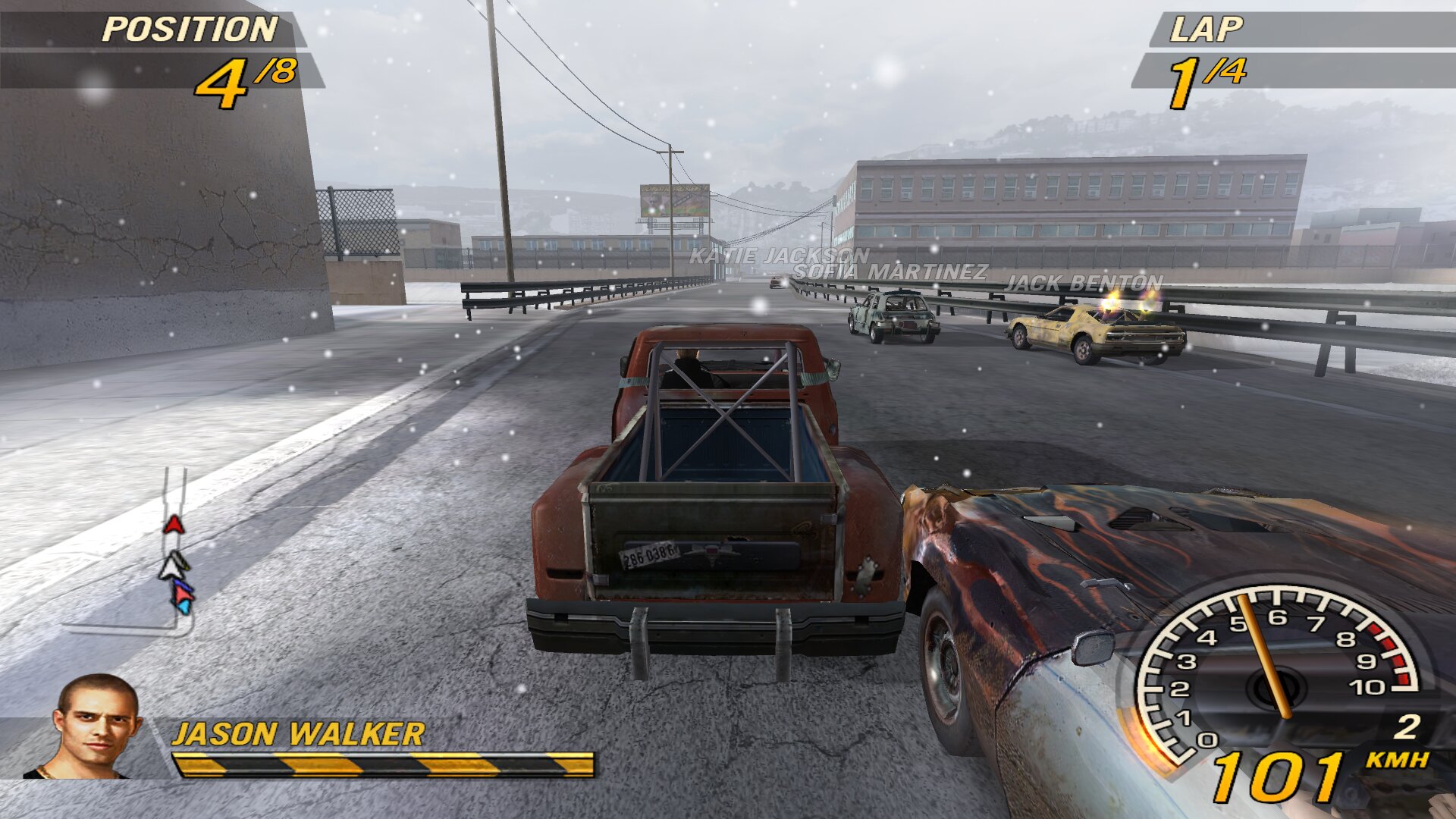
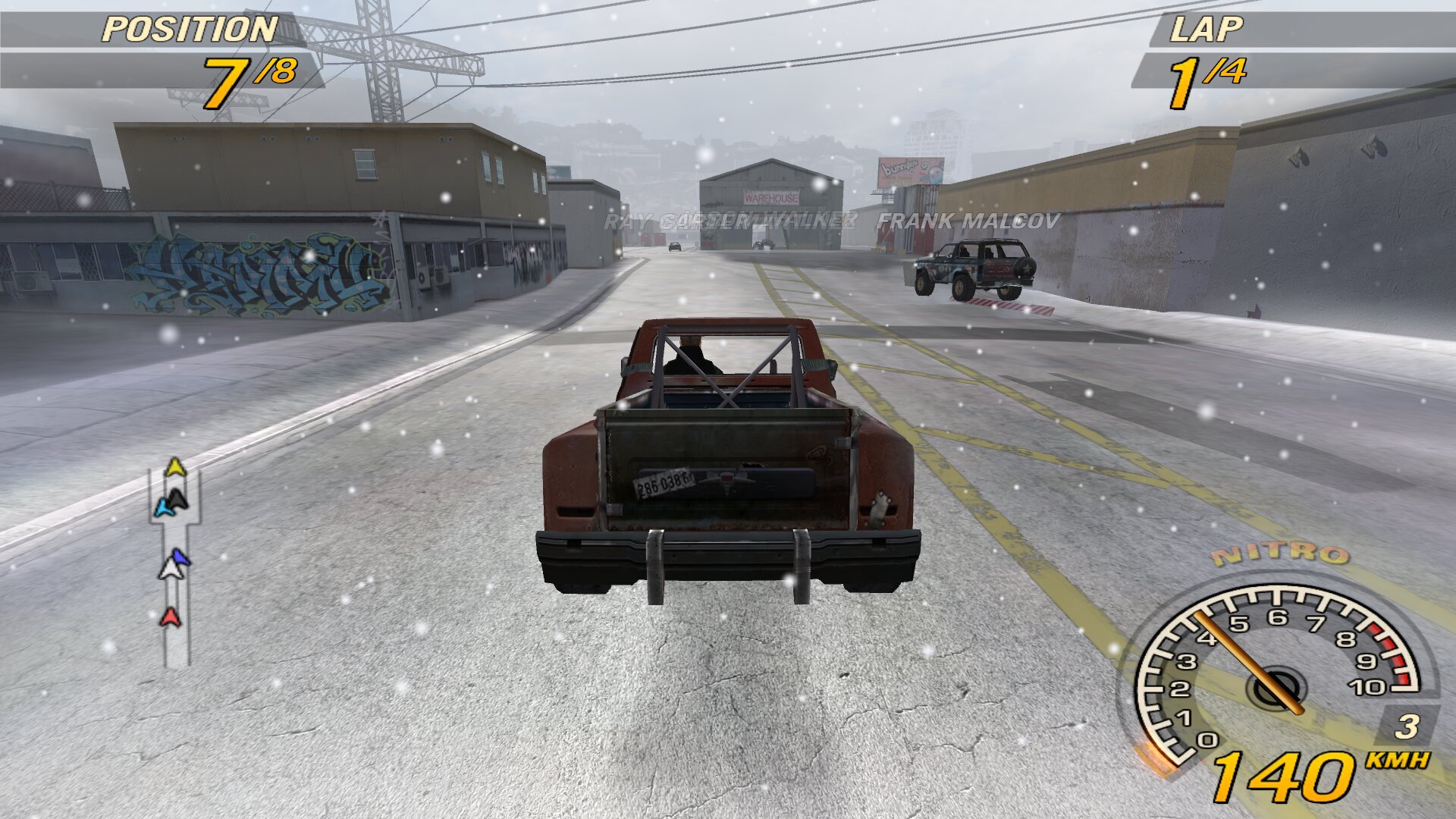
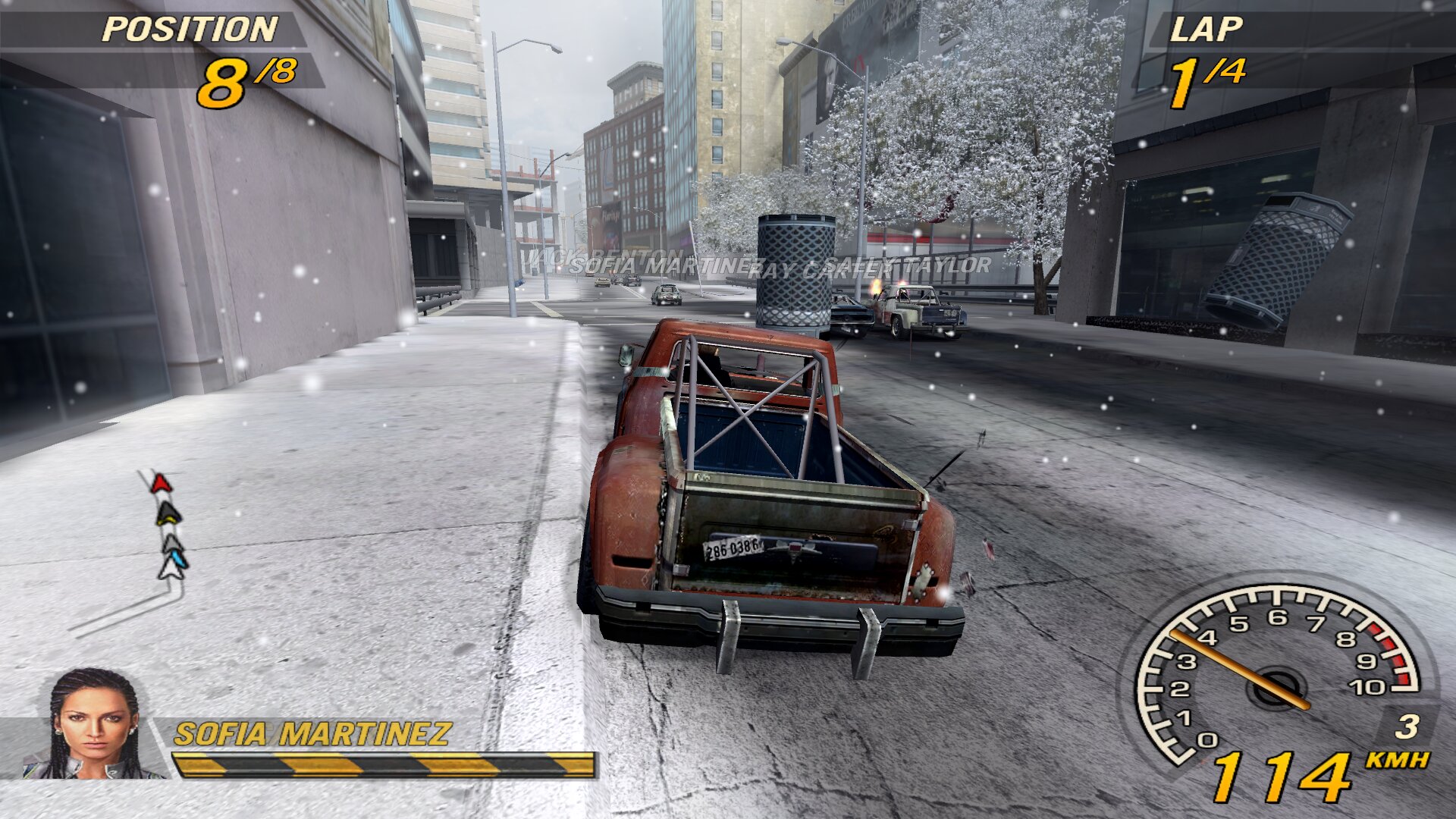
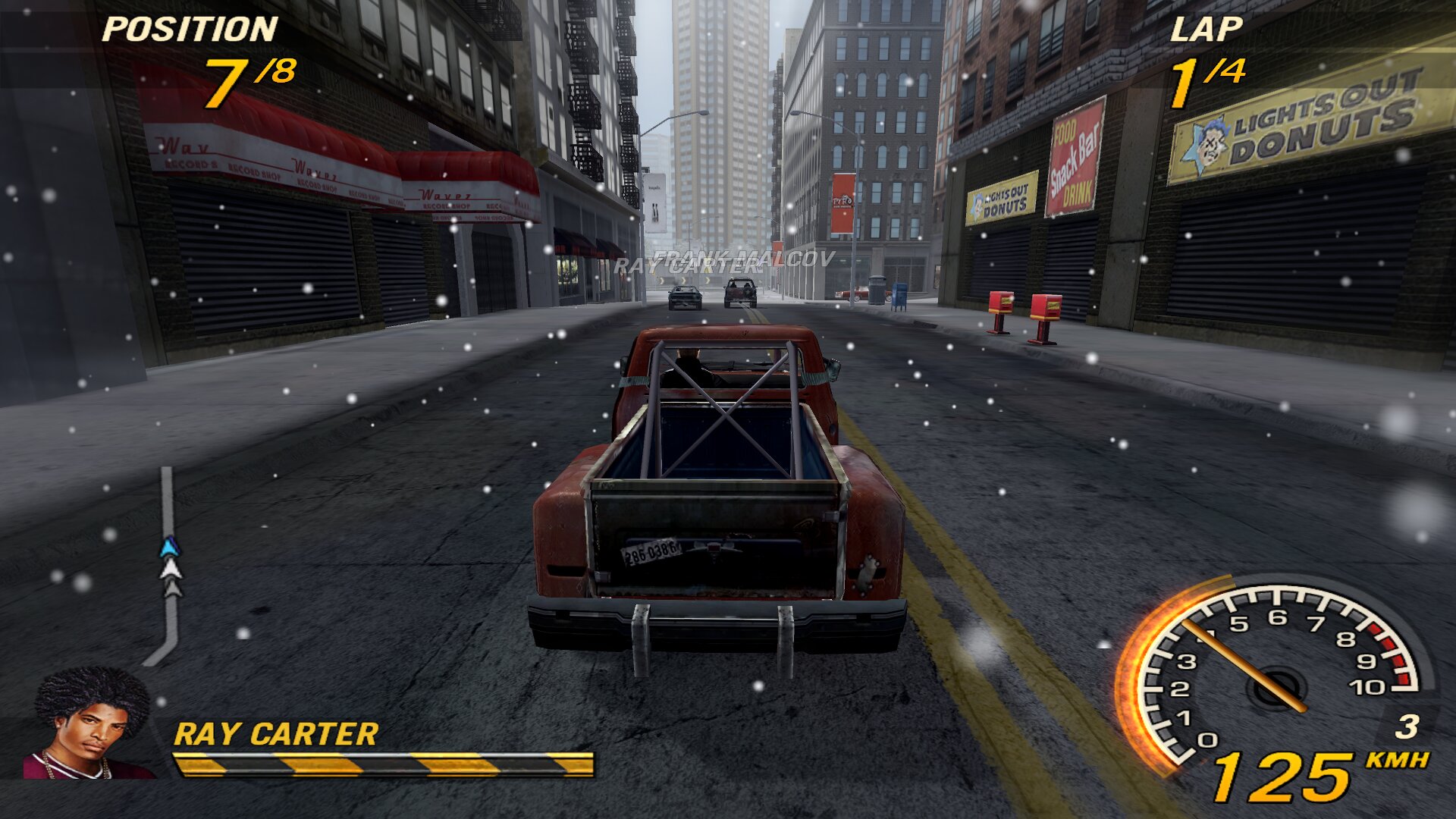
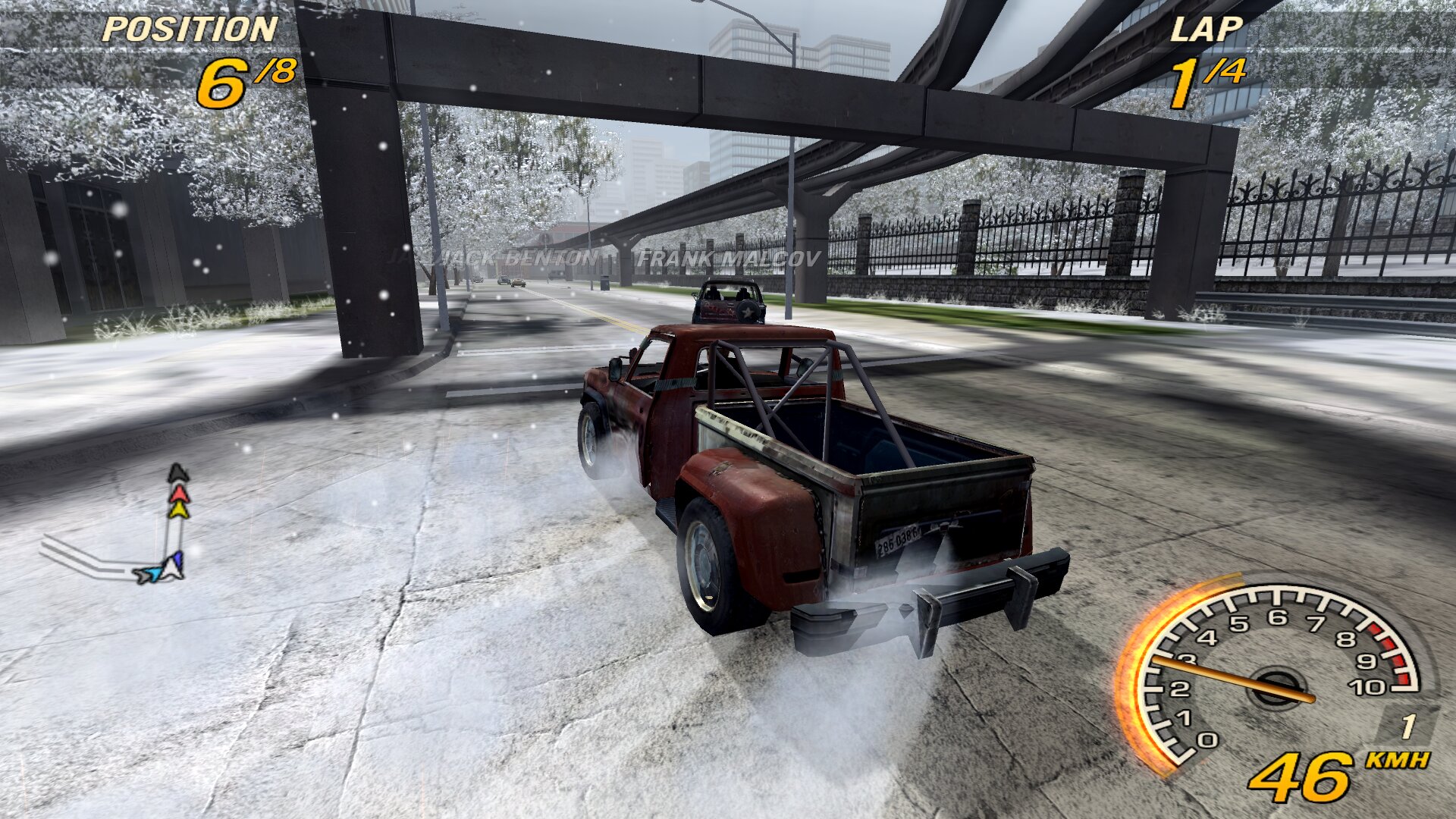
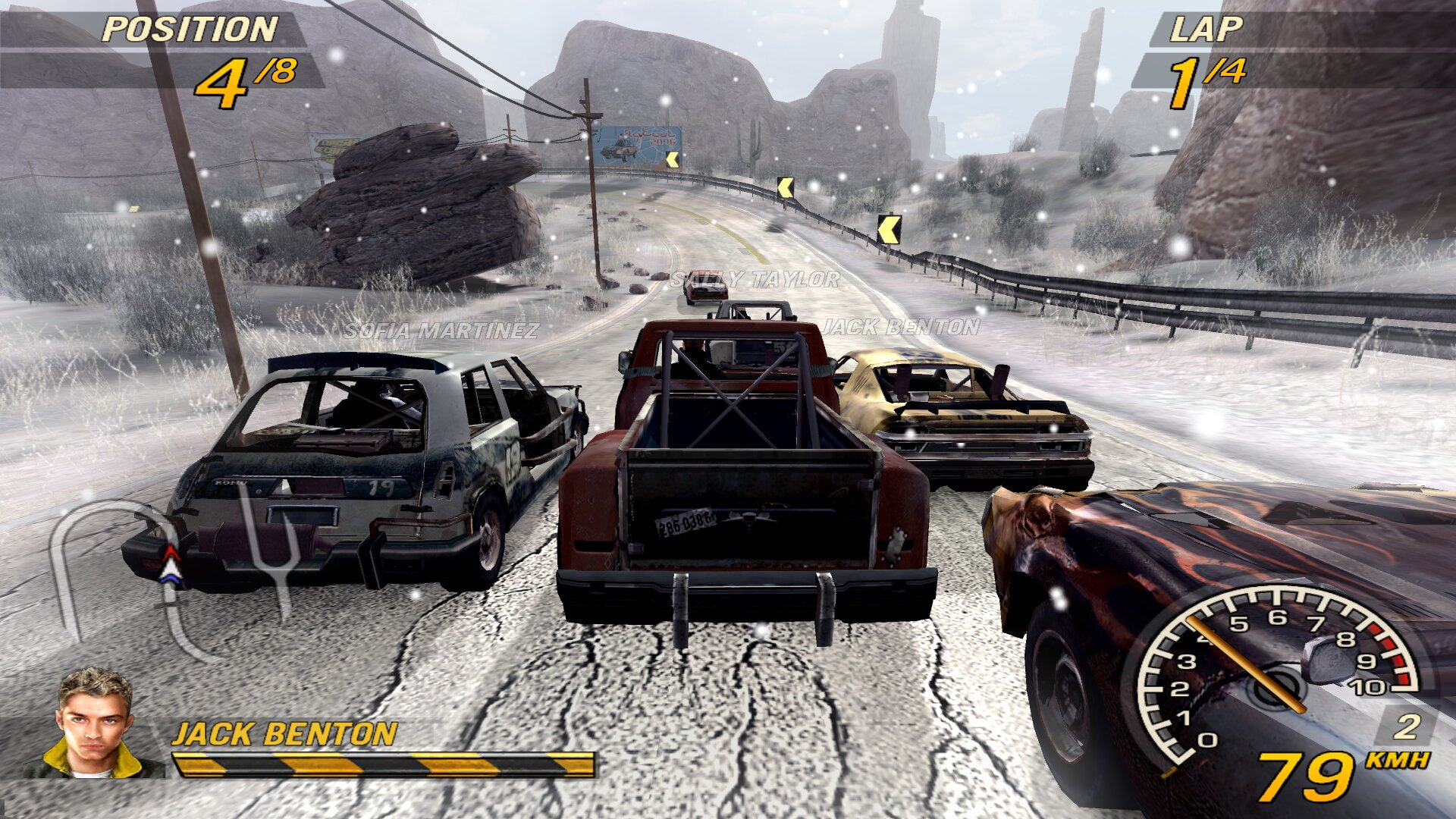
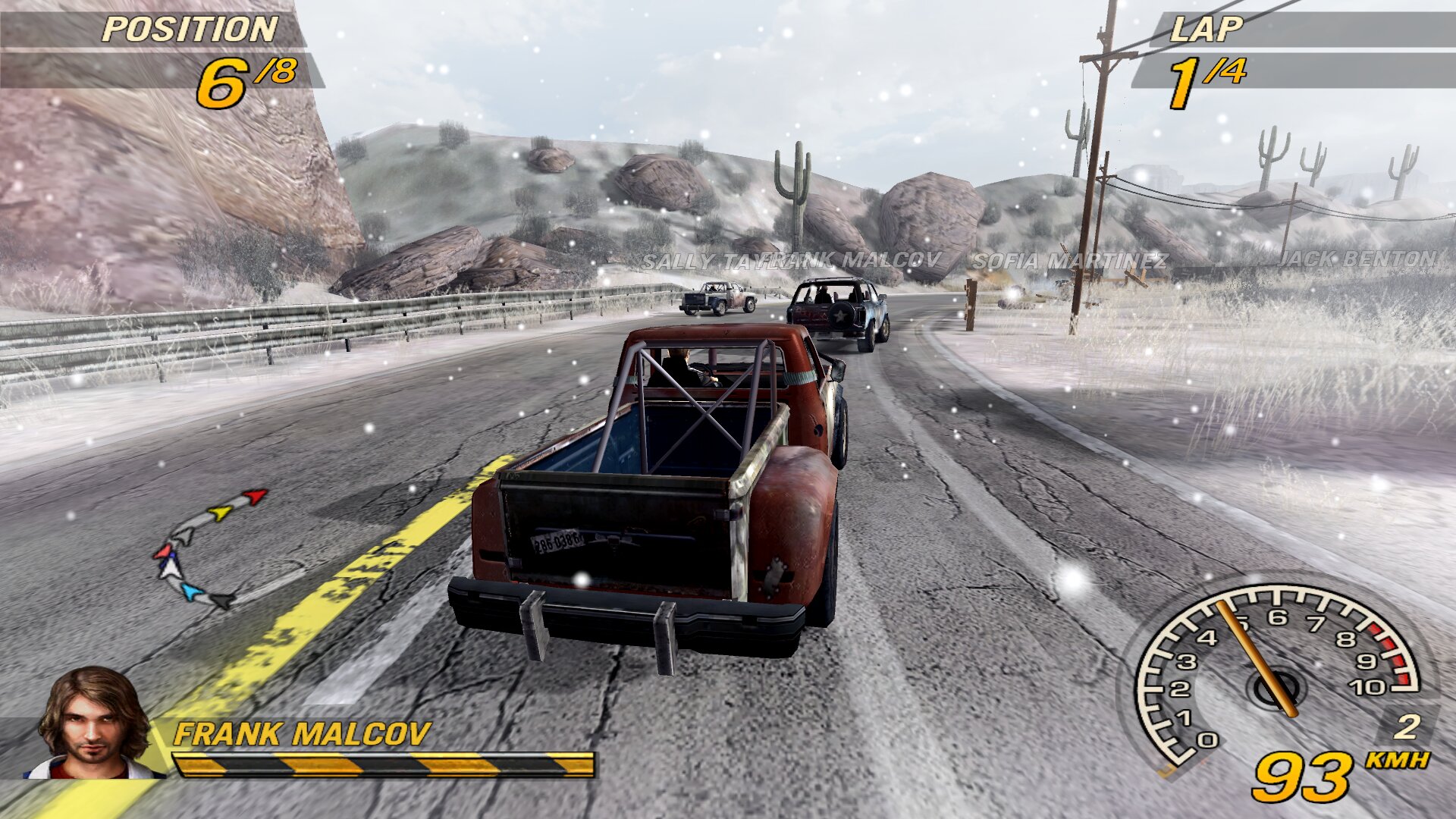
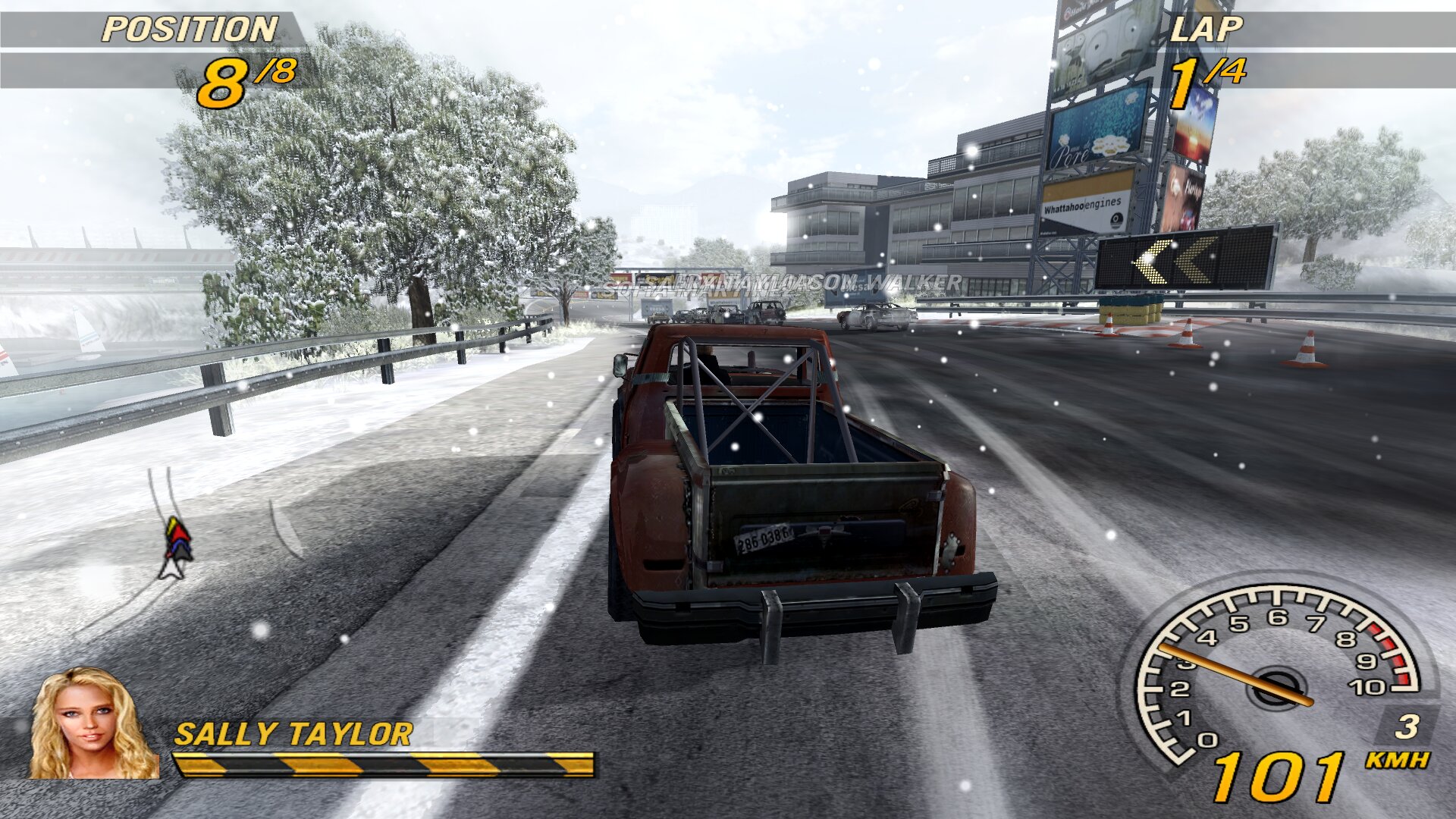
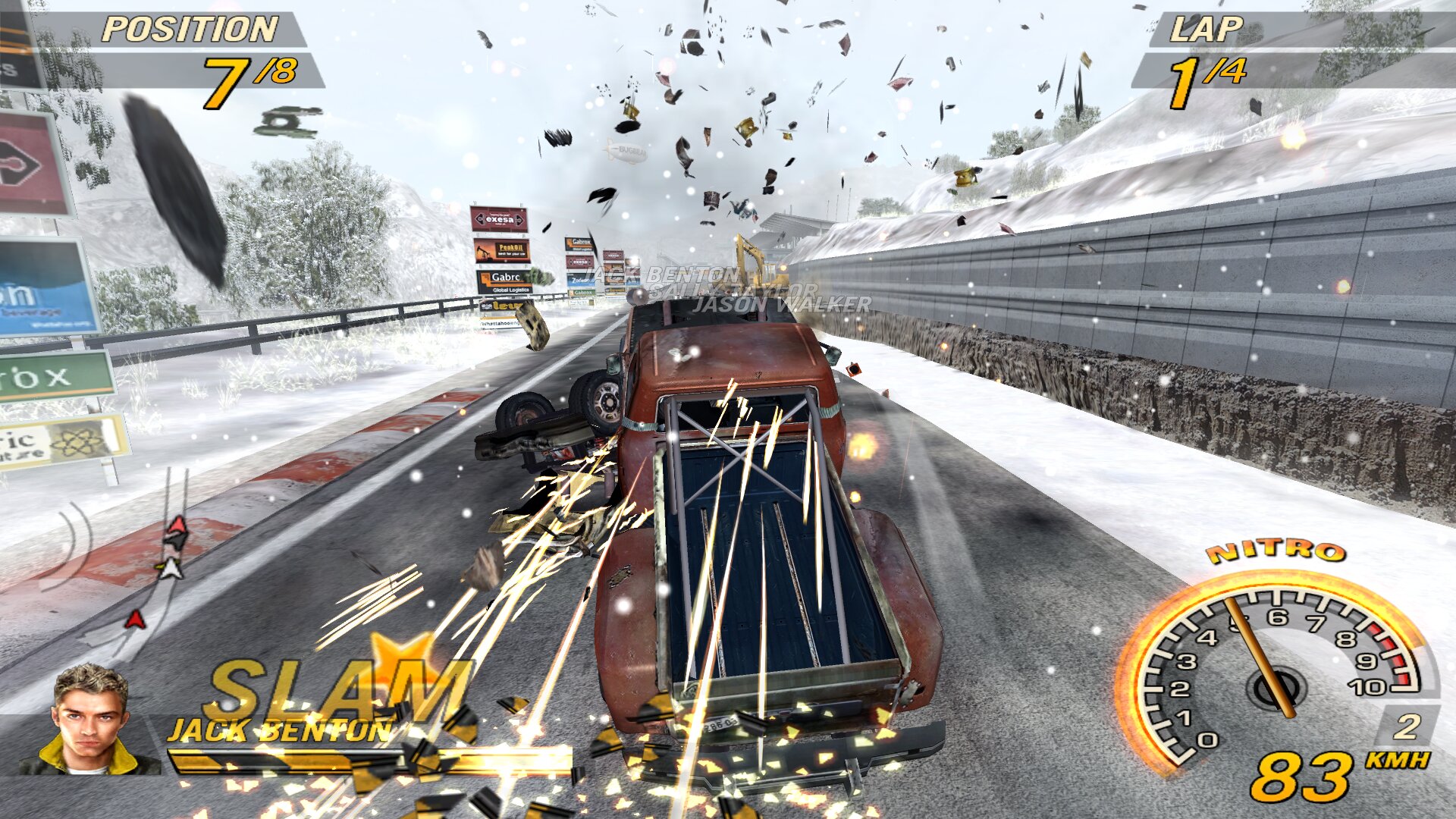
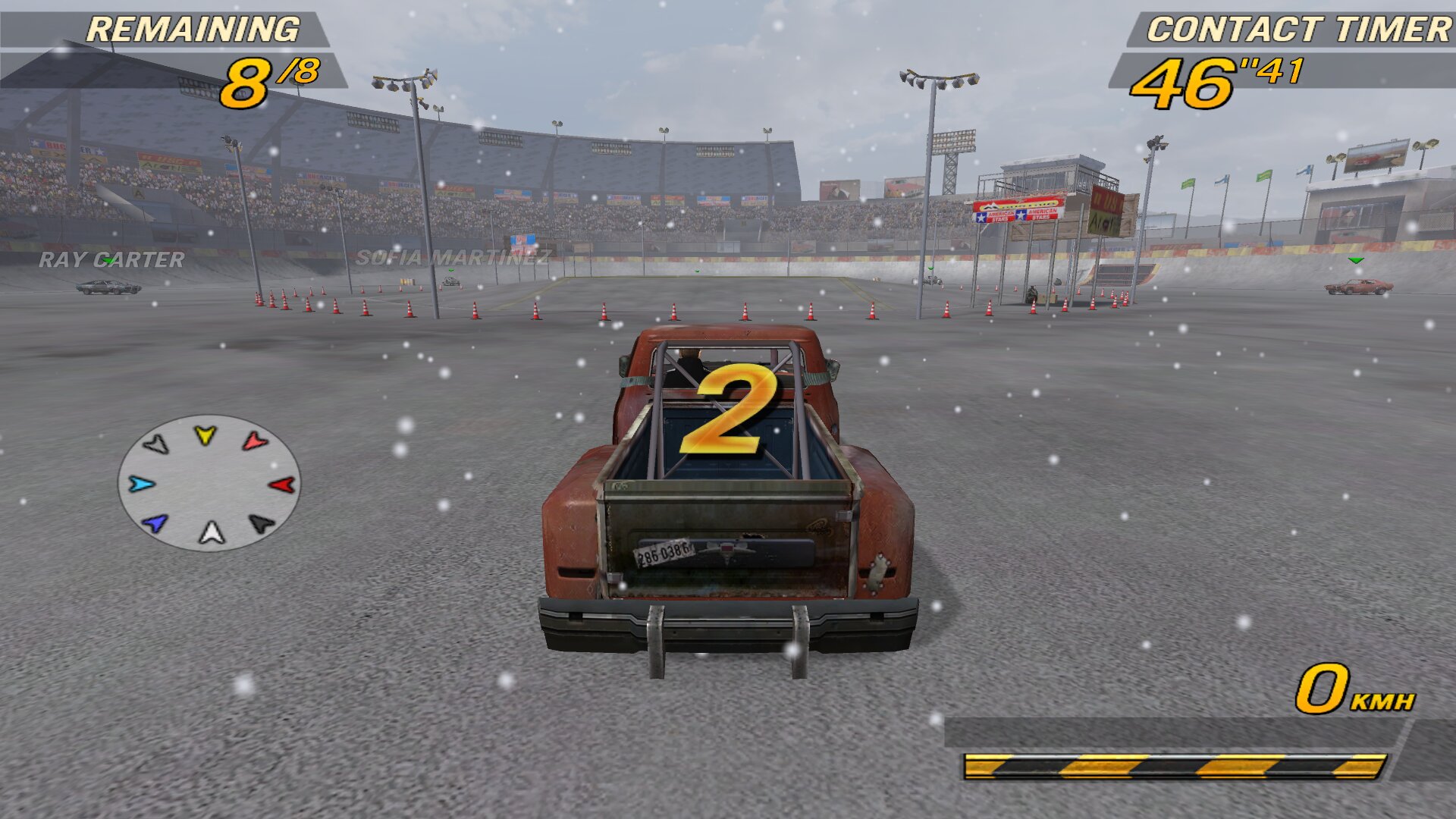
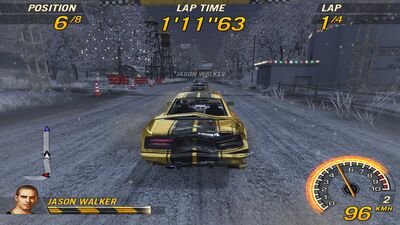
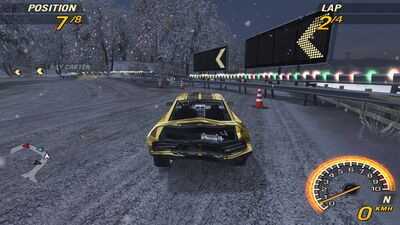
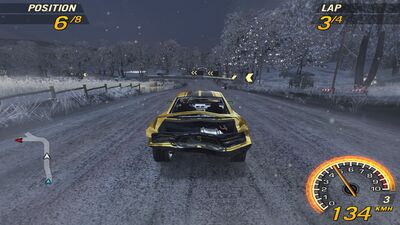
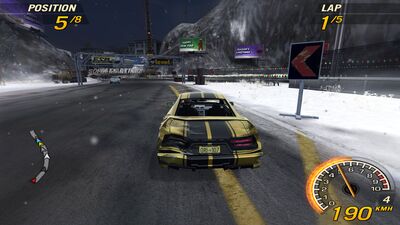
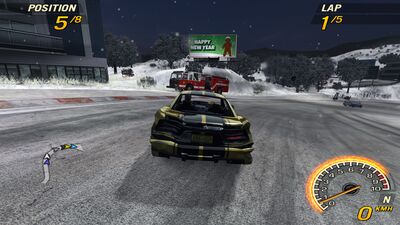
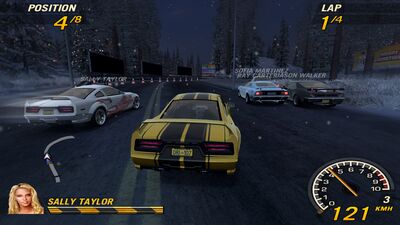
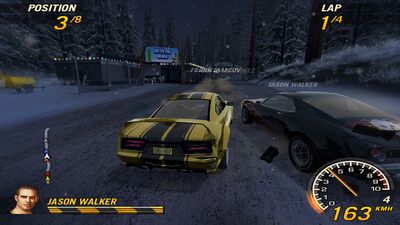
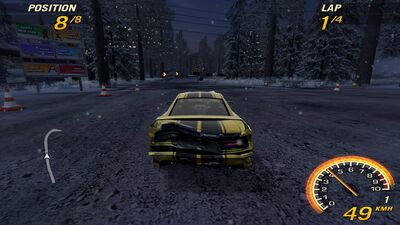
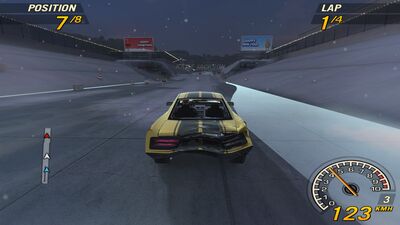
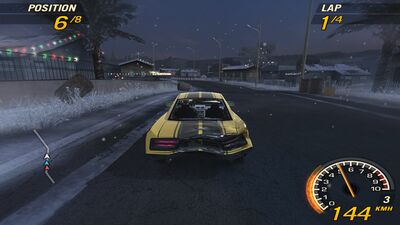
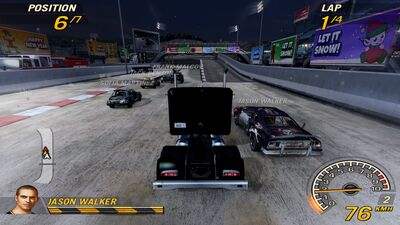
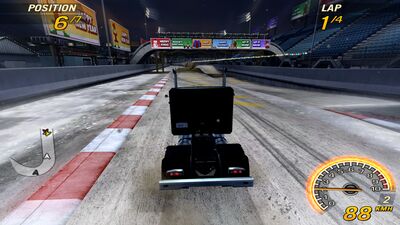
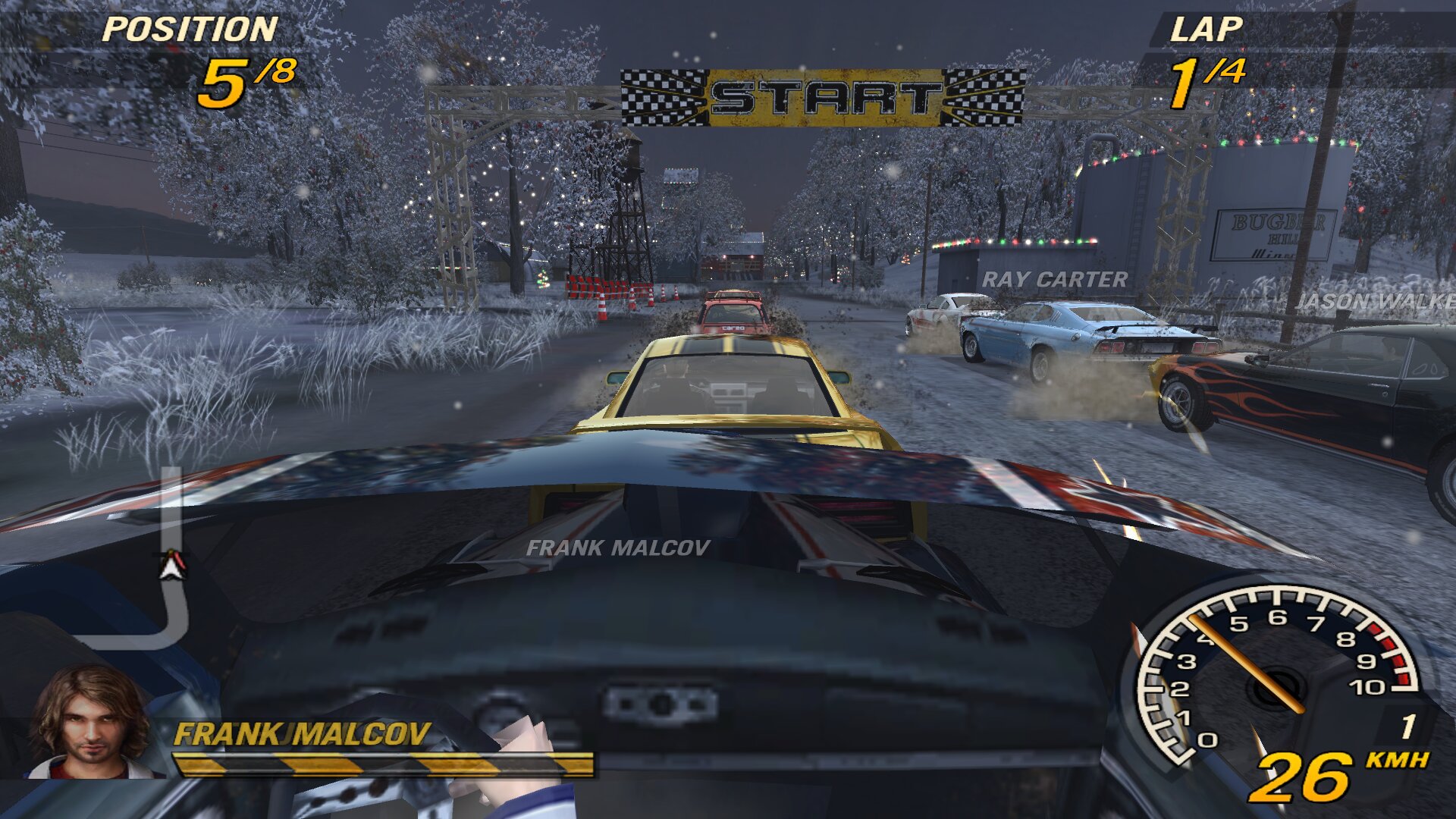
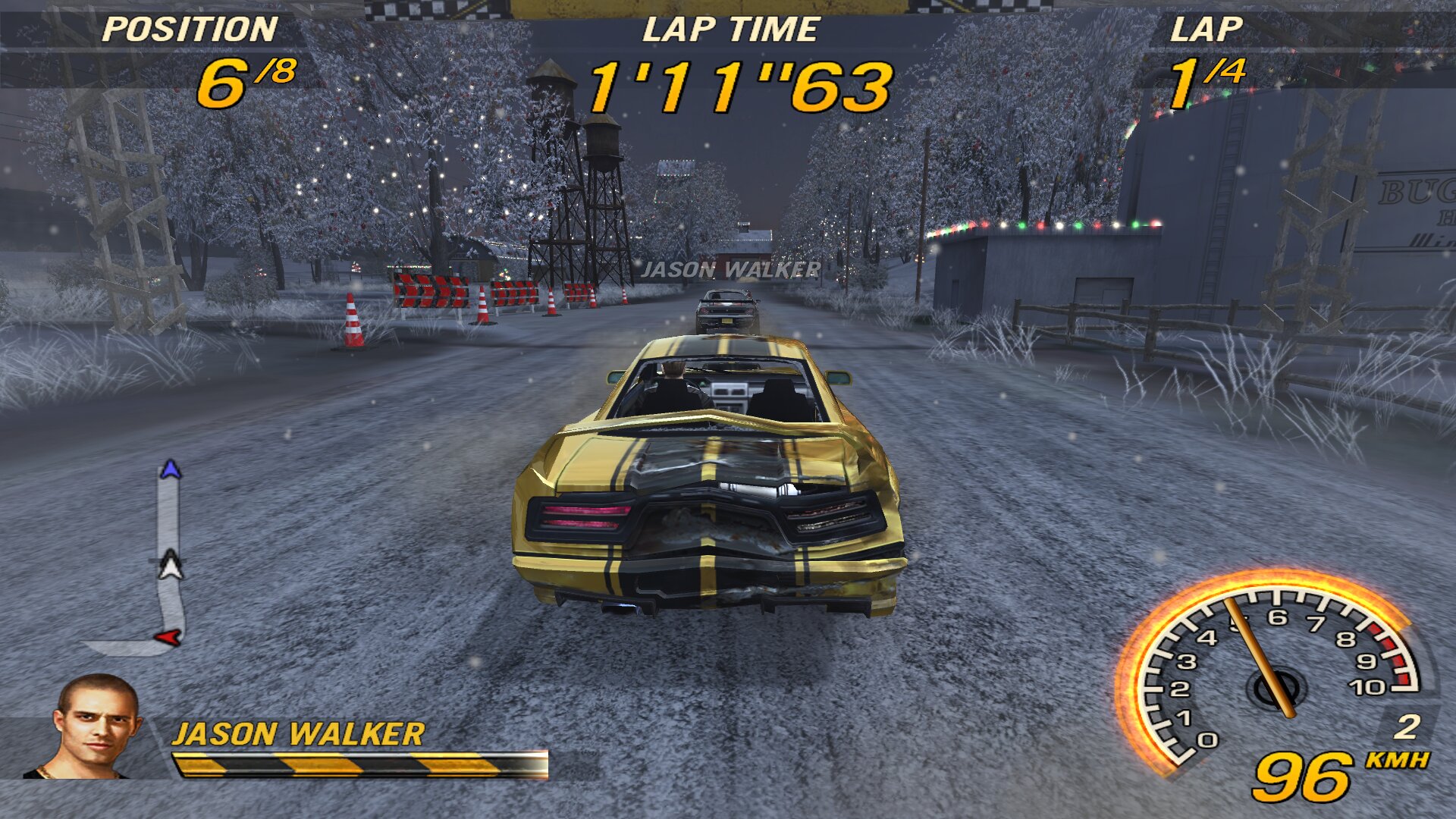
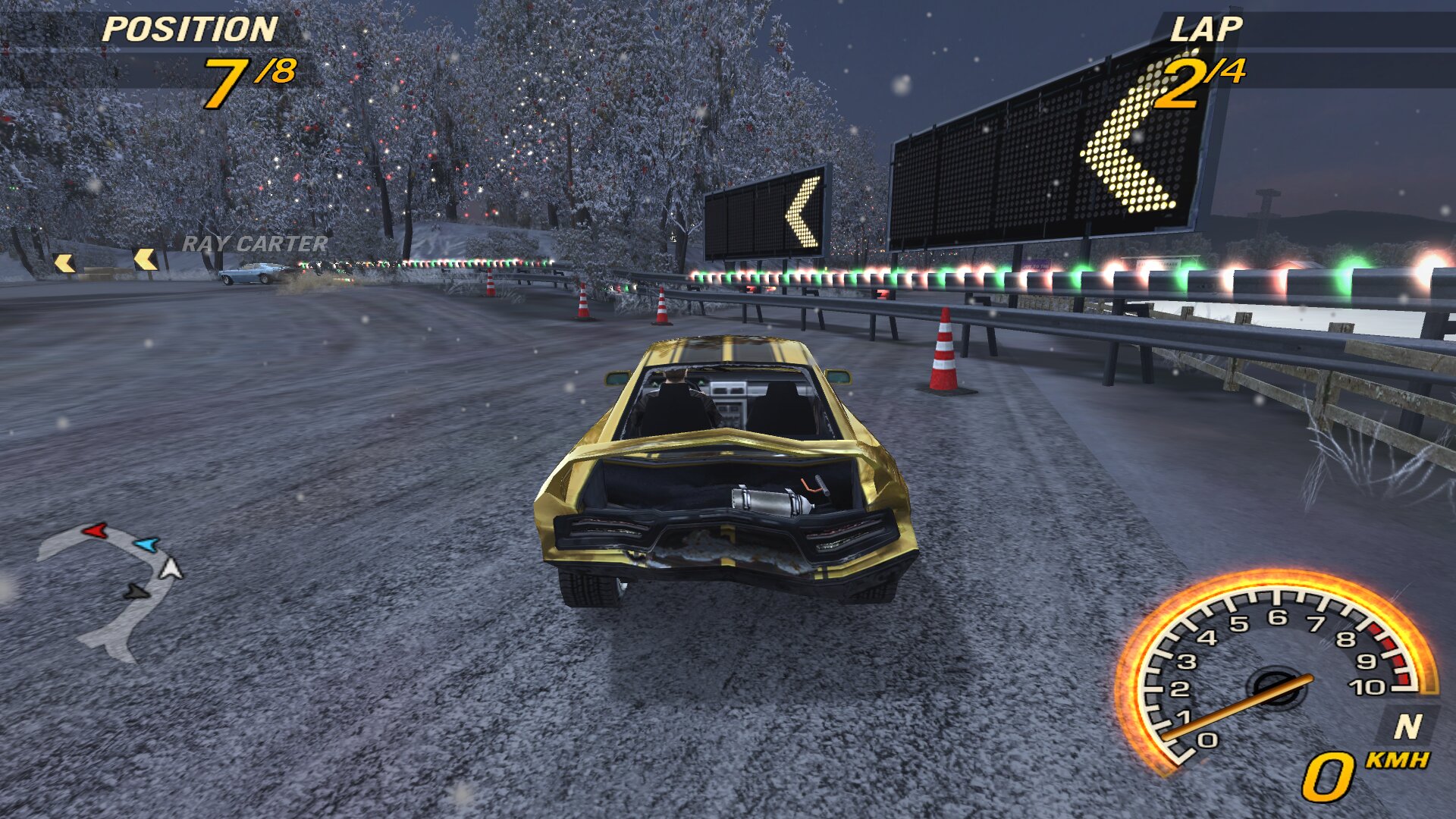
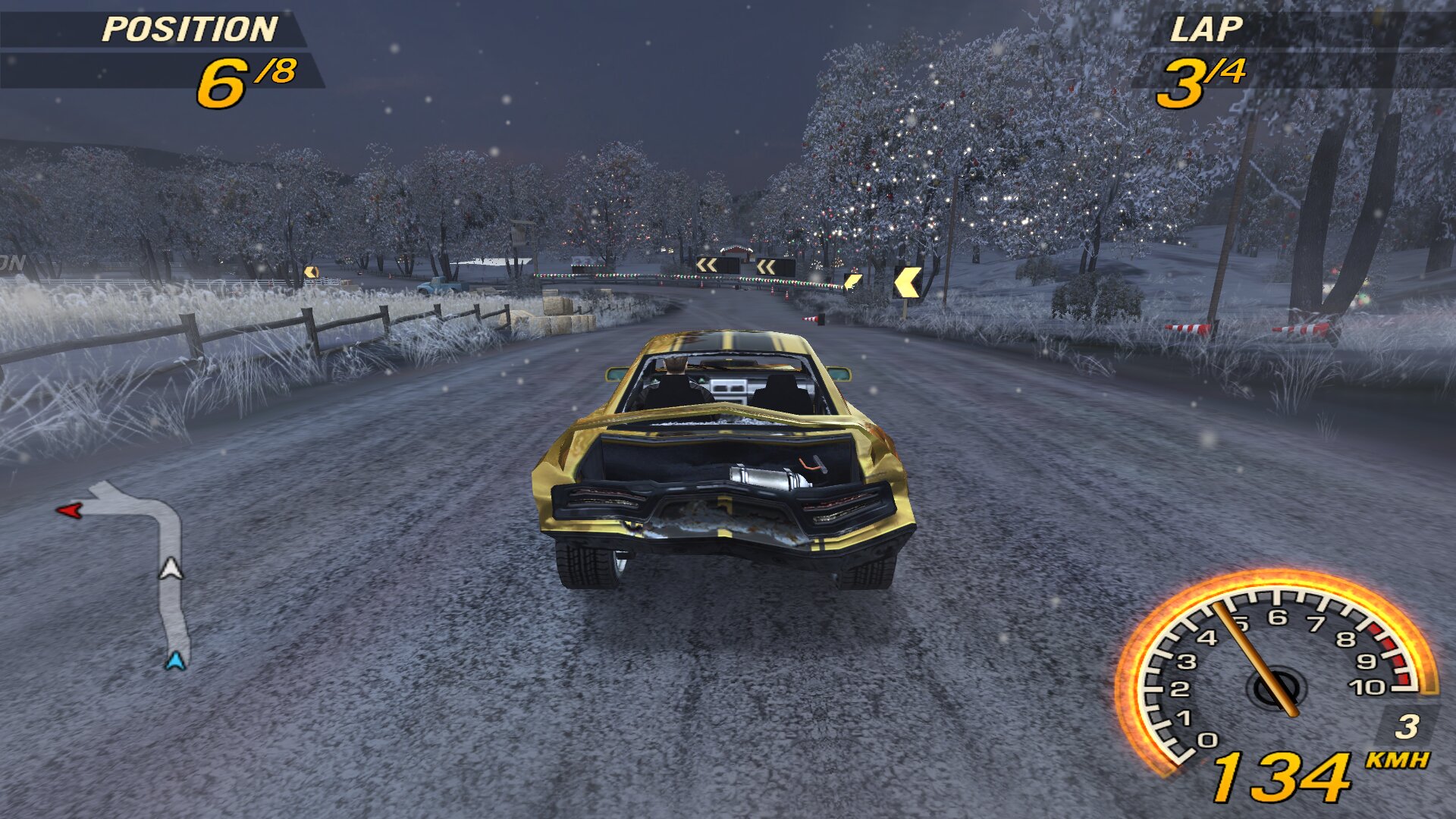
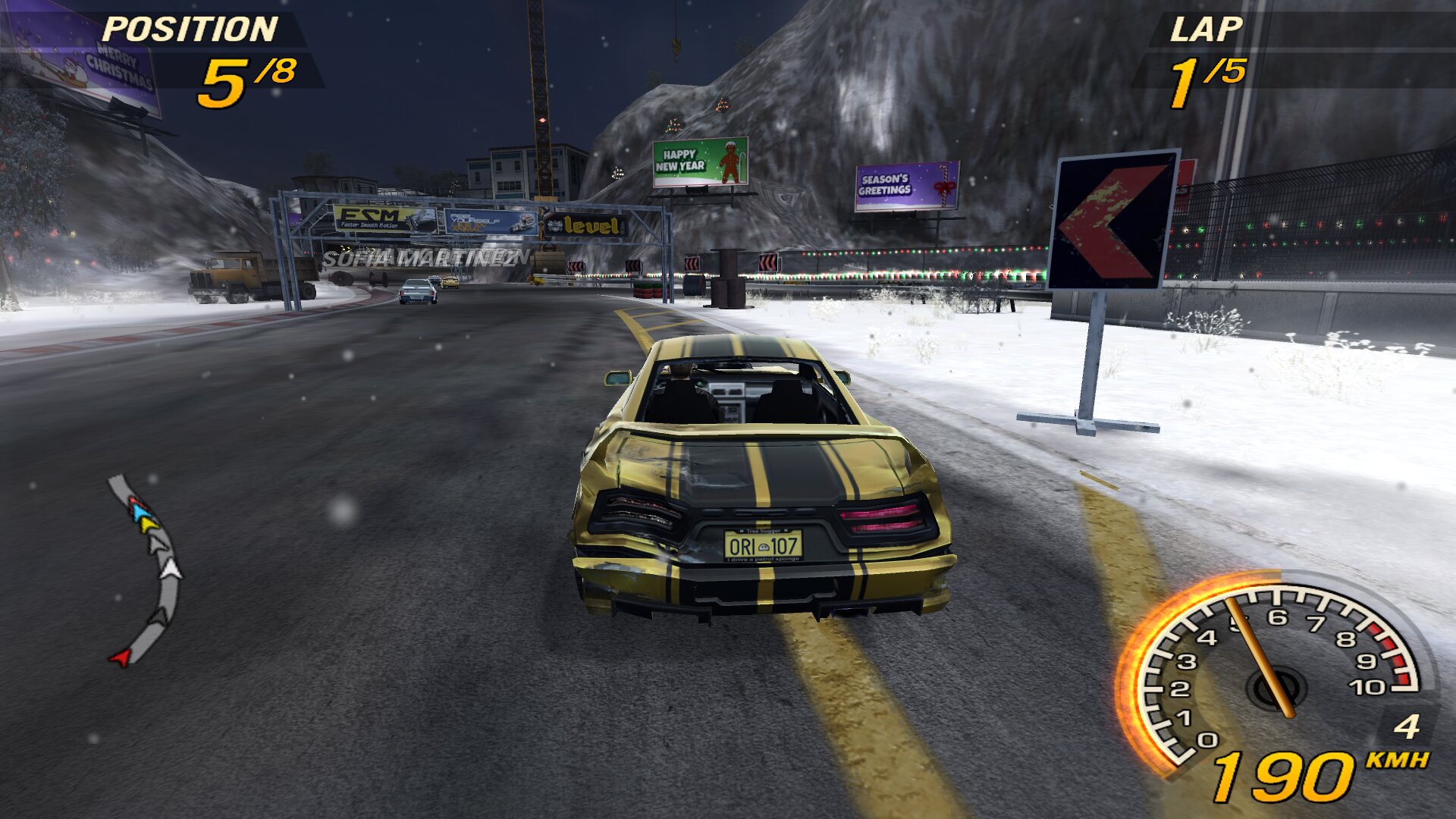
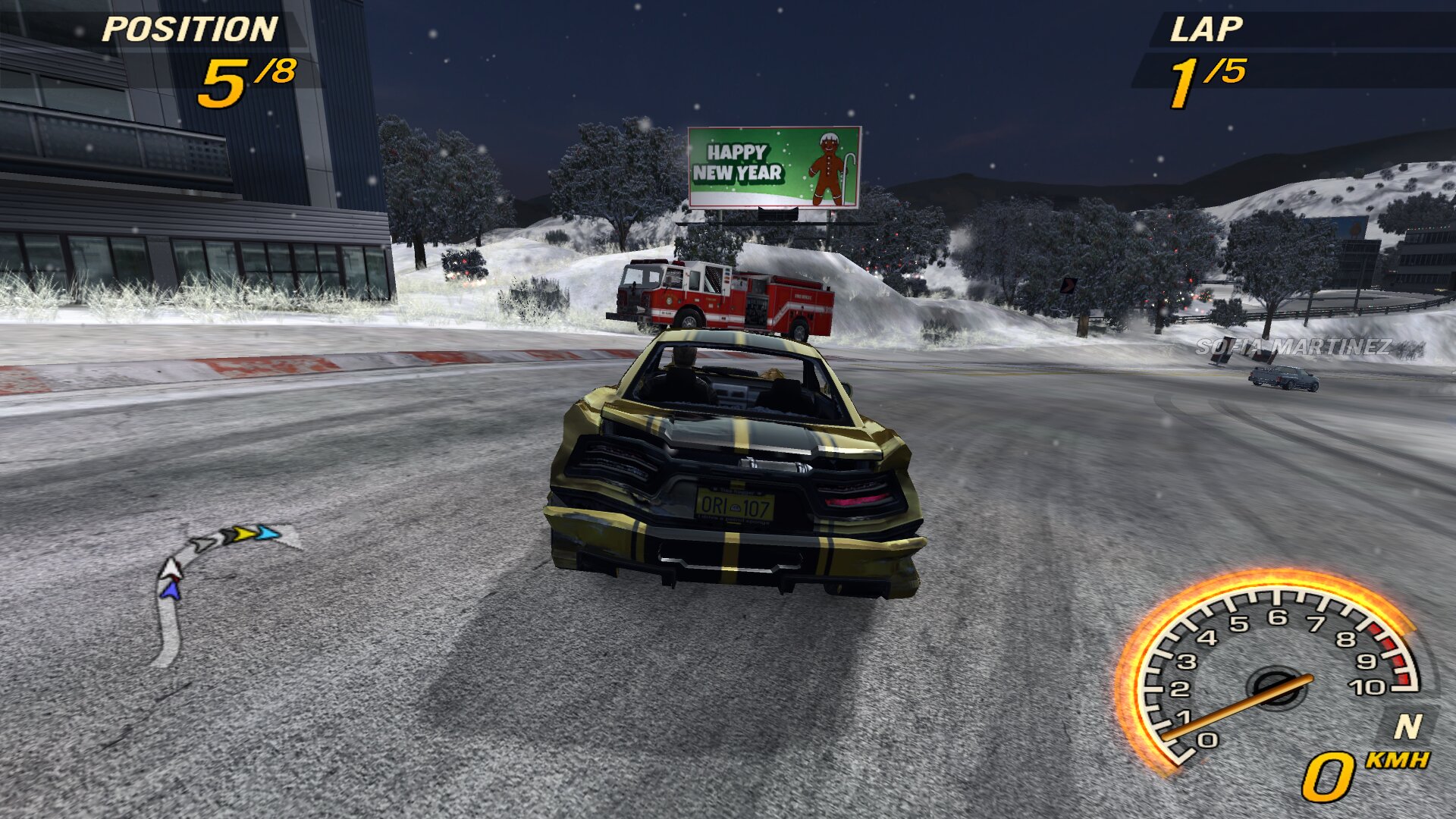
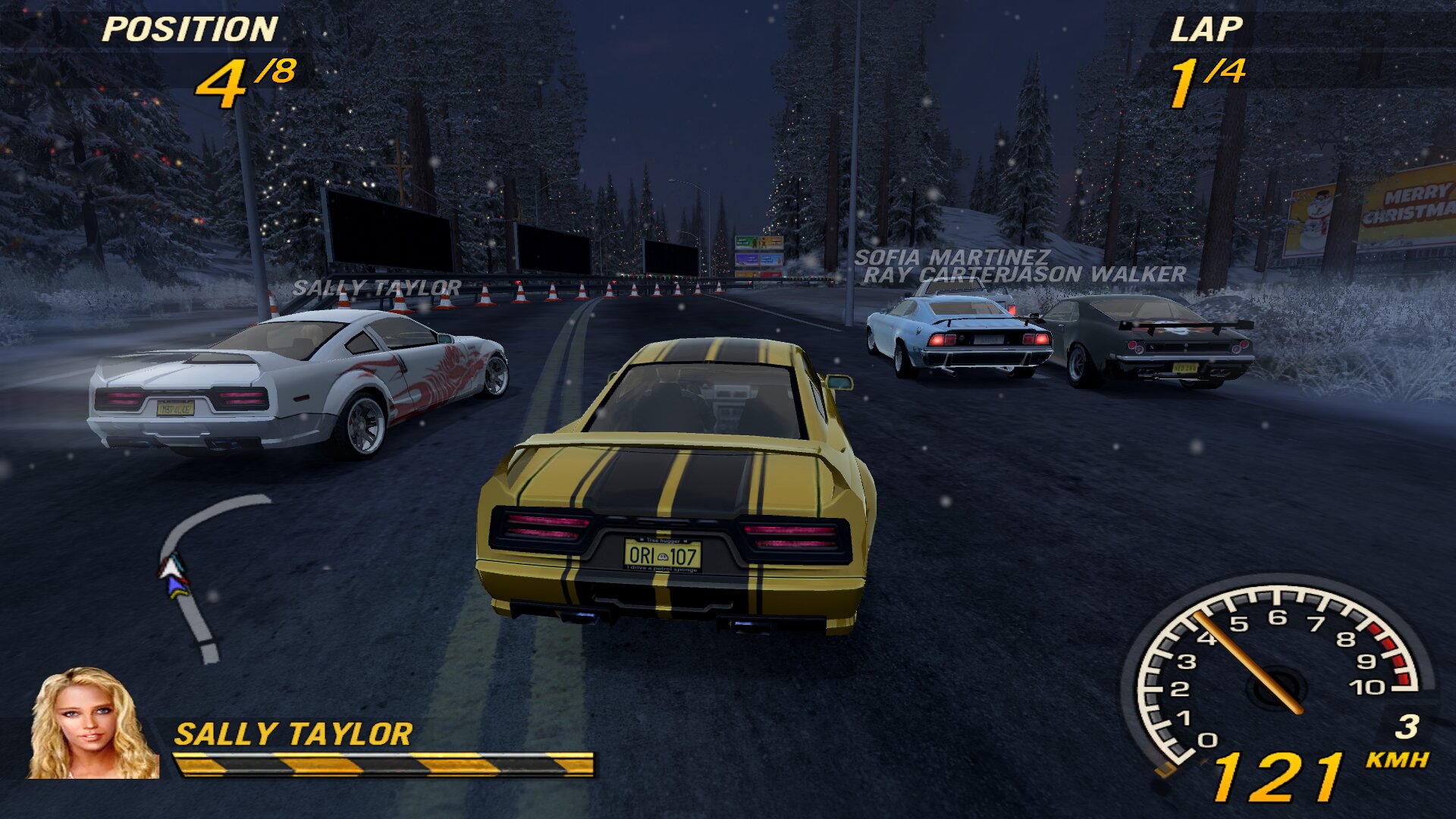
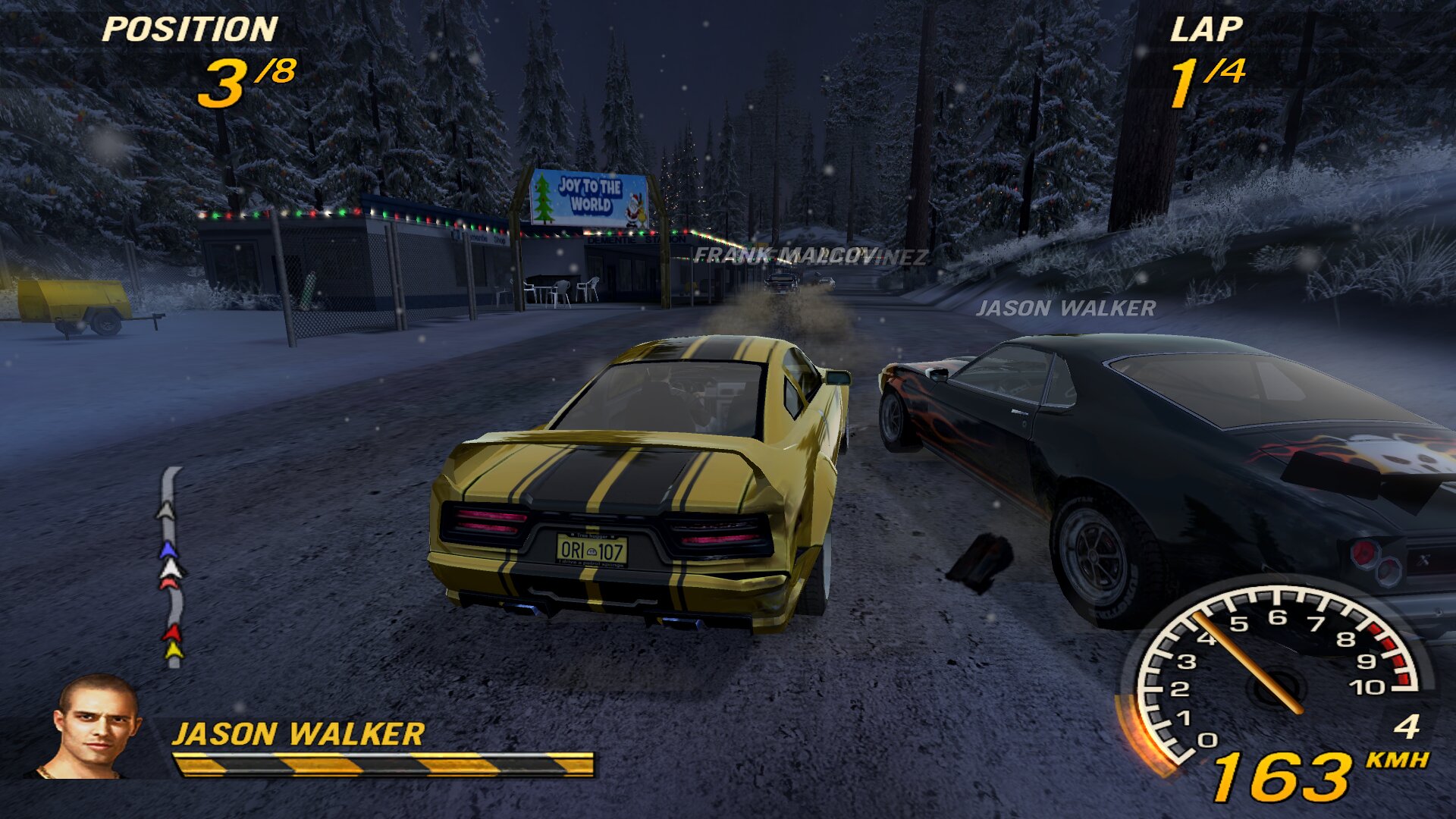
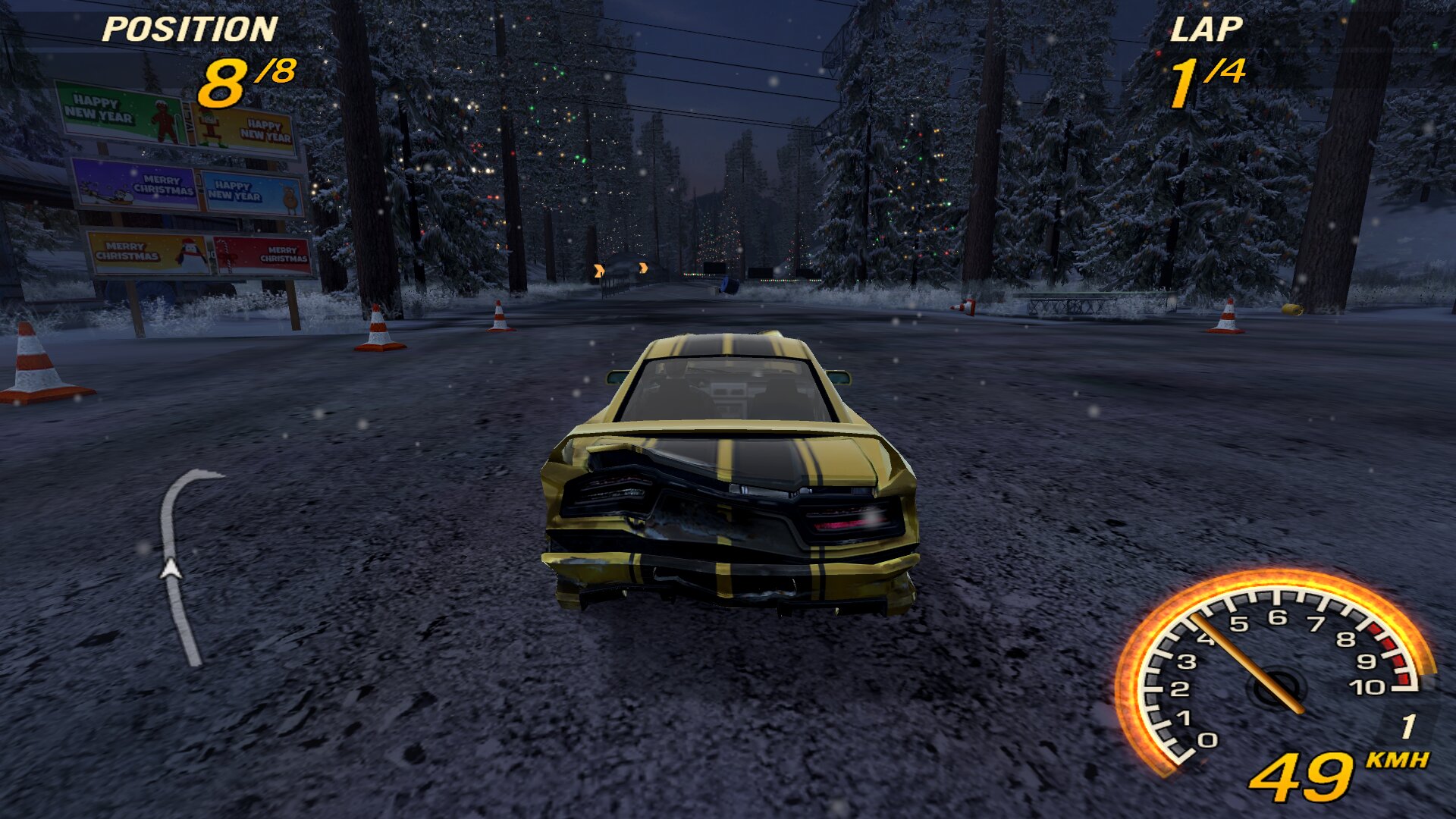
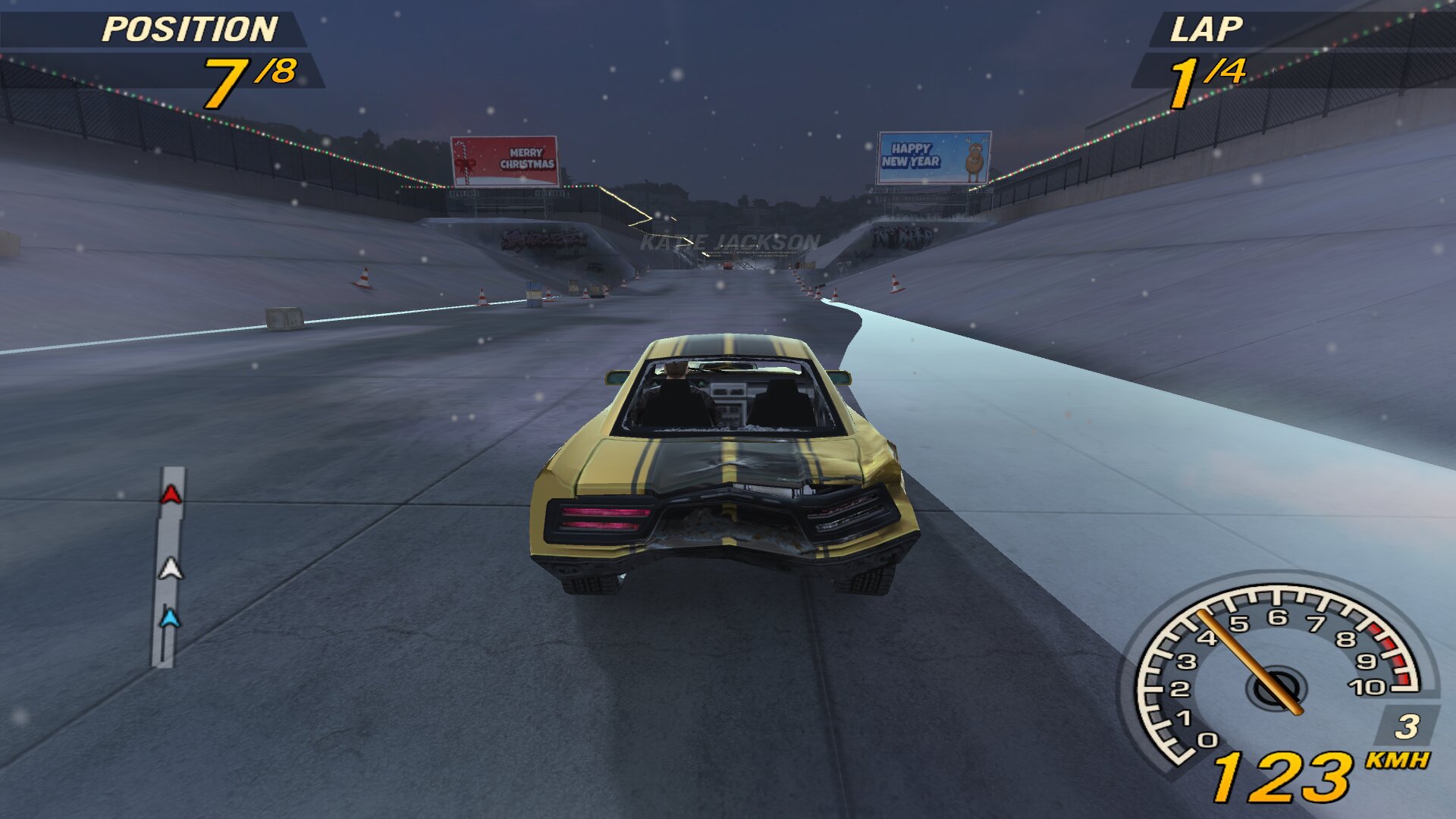
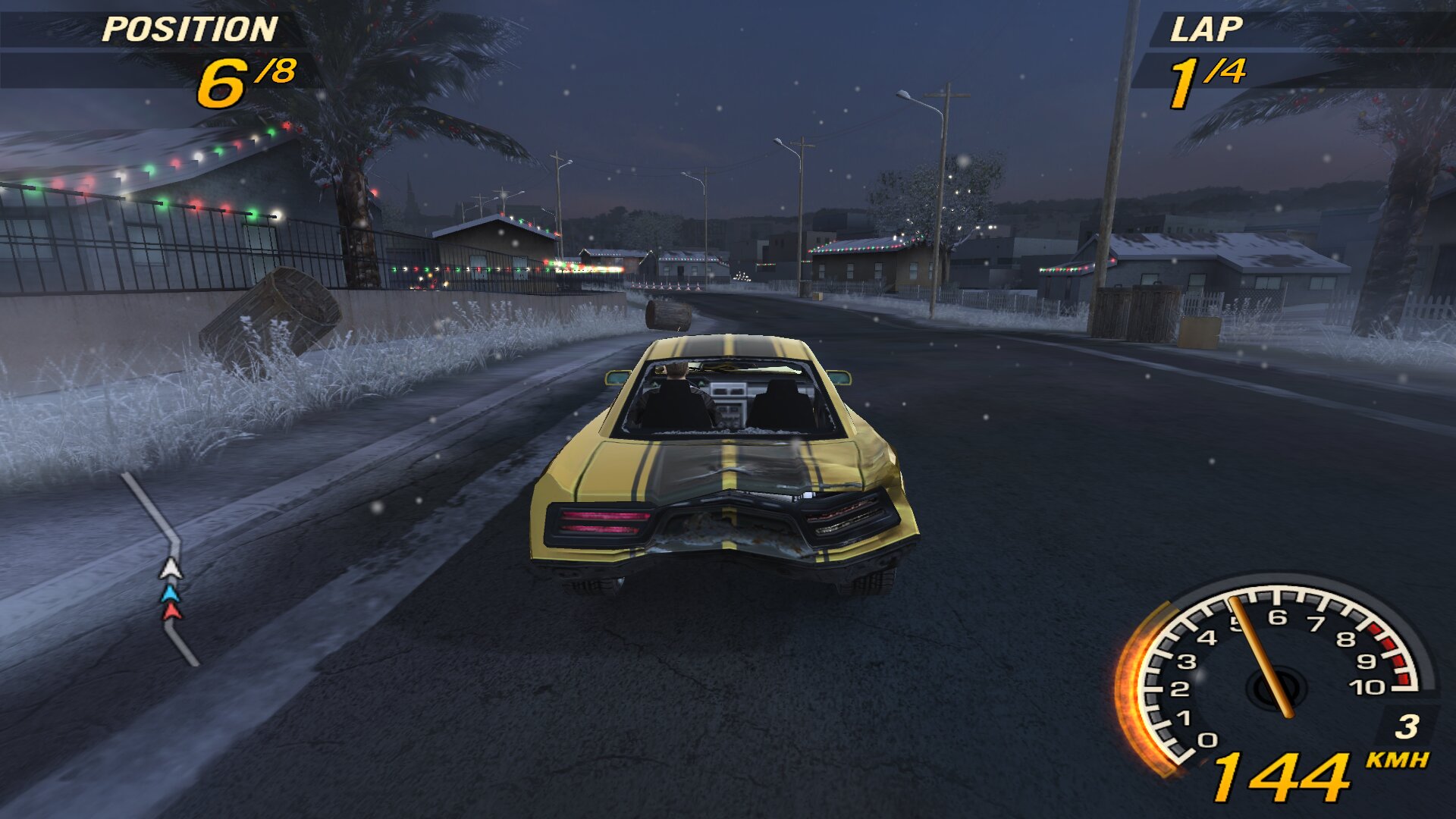
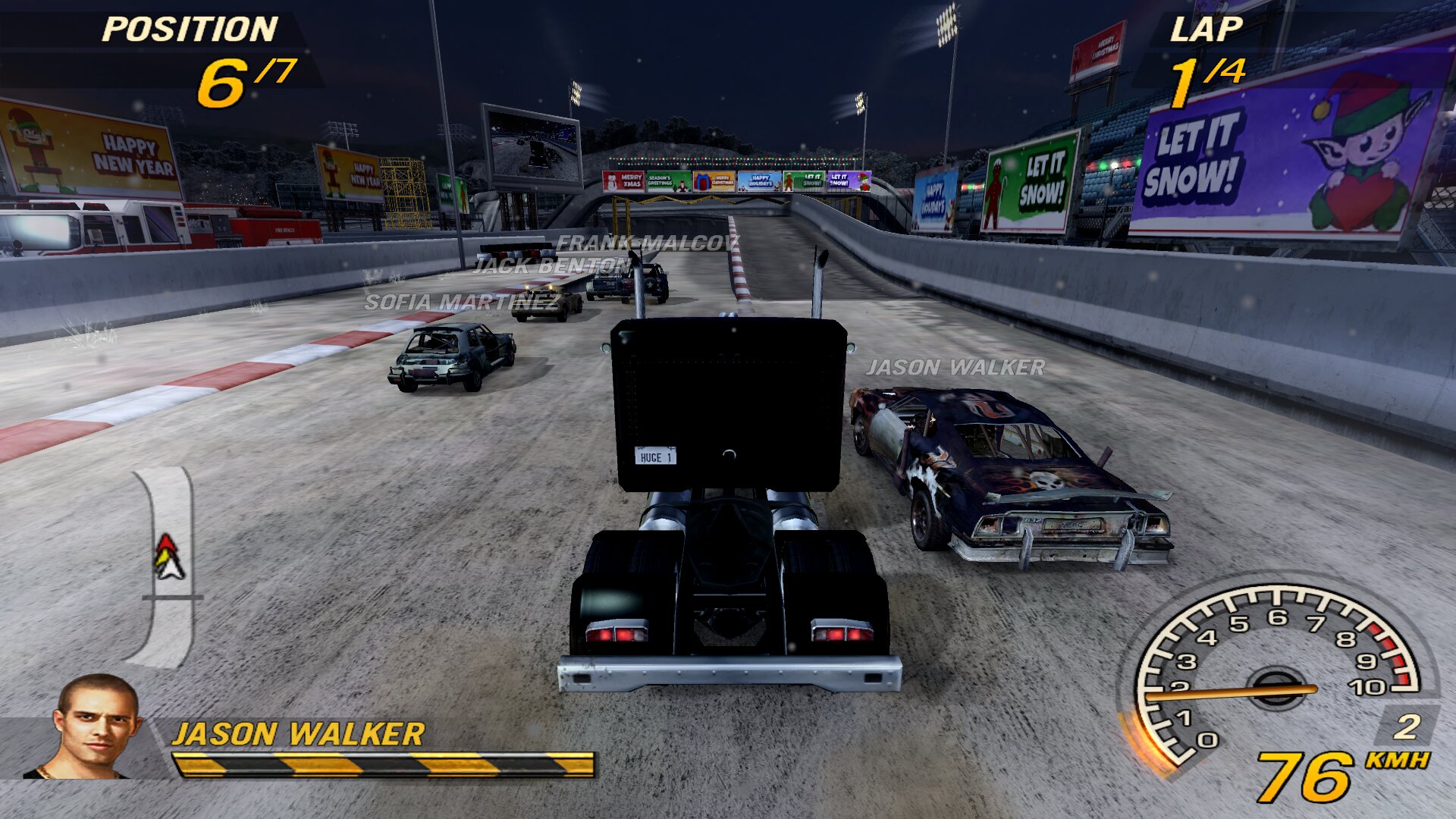
- Winter and Christmas
- Split screen and gamepad
- Handling and cars
- Opponent AI
- Graphics and performance
fo2plus.inioptions- Ports and firewall (LAN)
- Uninstall and bug reports
- Credits
1. Installation
It only works with the GOG FlatOut 2 (setup_flatout_2_1.0_(26697).exe v1.2).
- Back up these files from the game folder:
FlatOut2.exepatch
- Copy all the files from the zip into the game folder (the one that contains
FlatOut2.exe) and overwrite when asked.
| File | Description |
|---|---|
FlatOut2.exe |
Original executable + loading of fo2plus.dll |
fo2plus.dll |
Mod patches |
fo2plus.bfs |
Modified scripts and textures |
patch |
Game archive list, with fo2plus.bfs last |
FlatOut2.db |
Modified car and settings database |
fo2plus.ini |
Mod options |
gamepad.ini / padconfig.exe |
Gamepad mapping for the menus and its setup tool |
scenarios/fo2plus_winter.bfs |
Winter stages |
fo2plus_xmas.bfs (separate, optional) |
Christmas weather: copy it into scenarios/ |
2. LAN multiplayer with AI
With fo2plus:
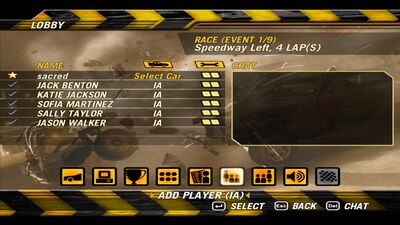
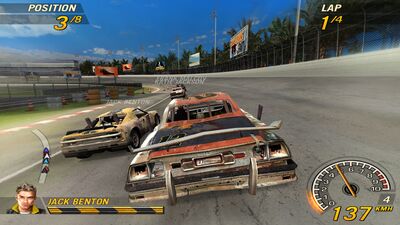
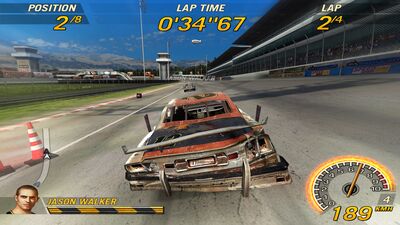
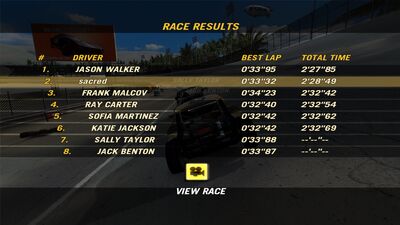
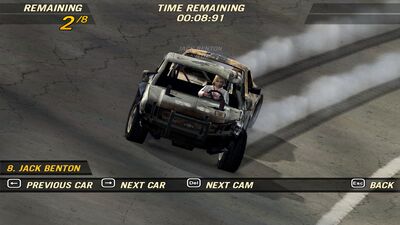
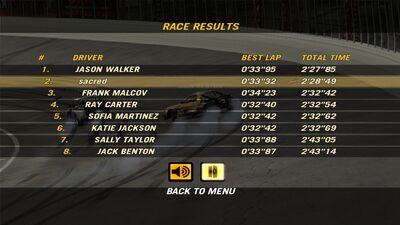
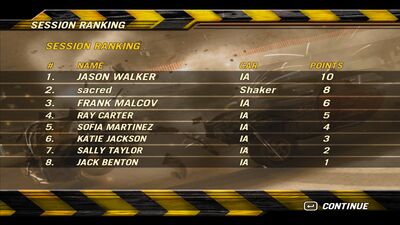
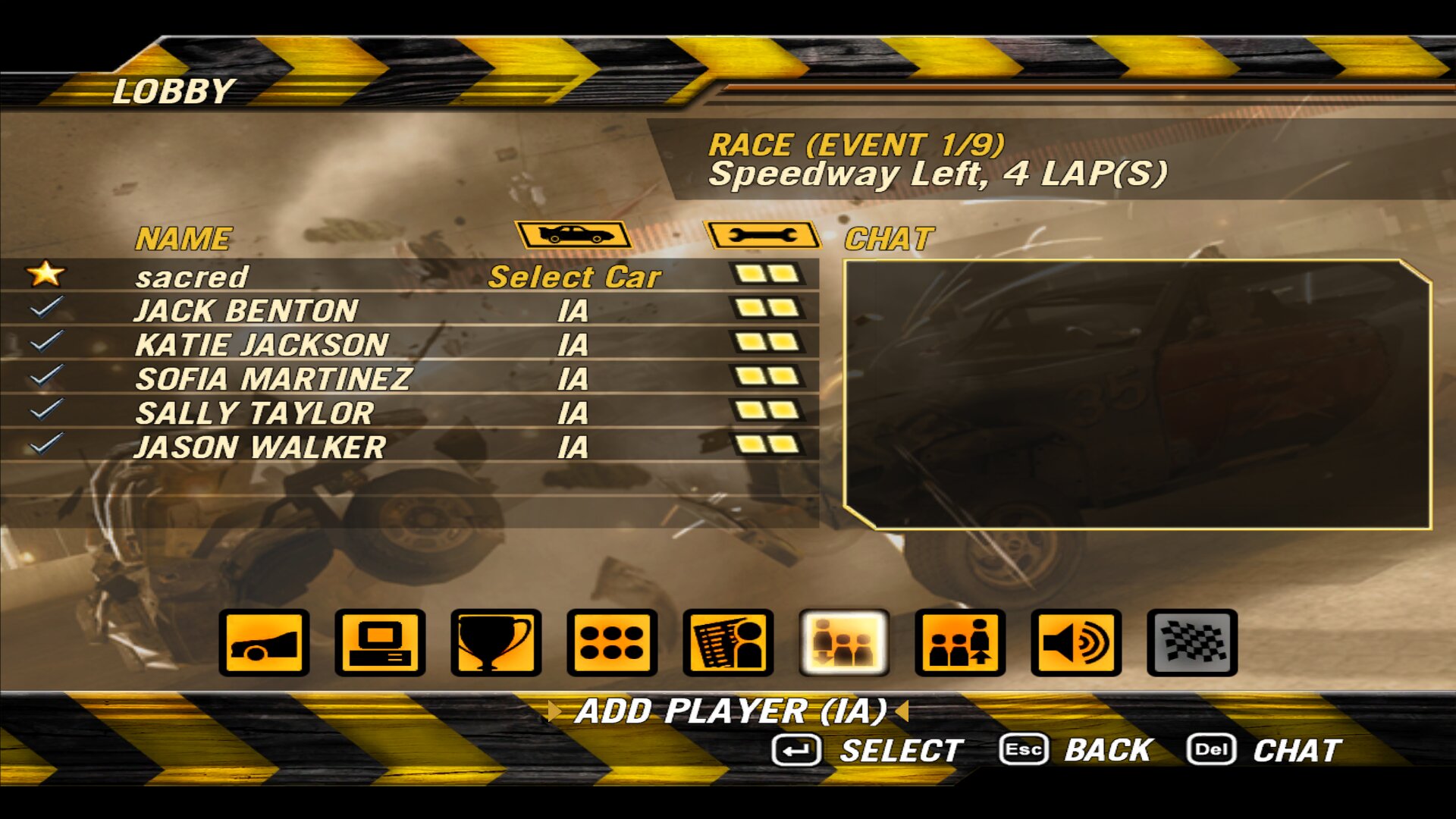
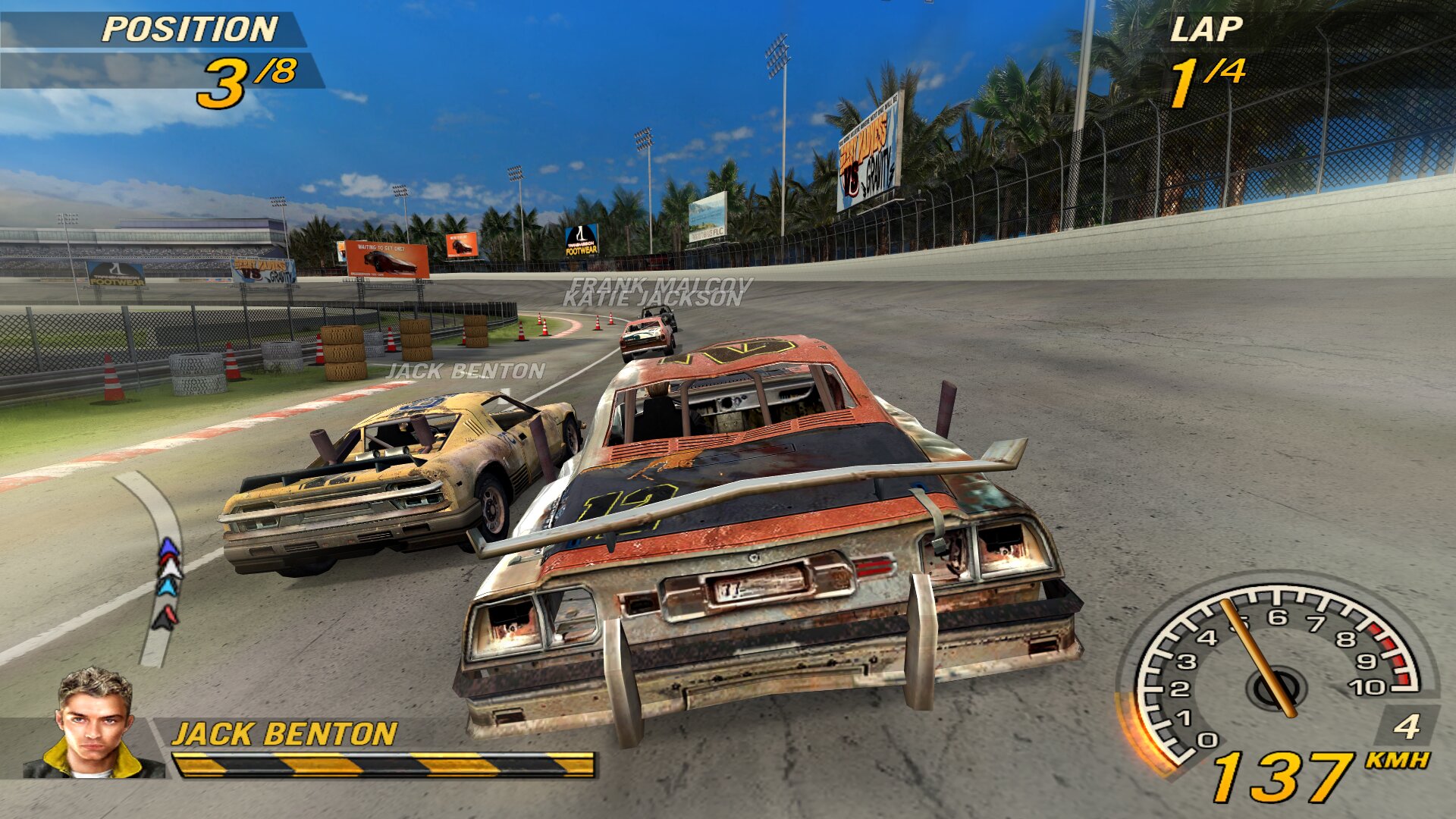
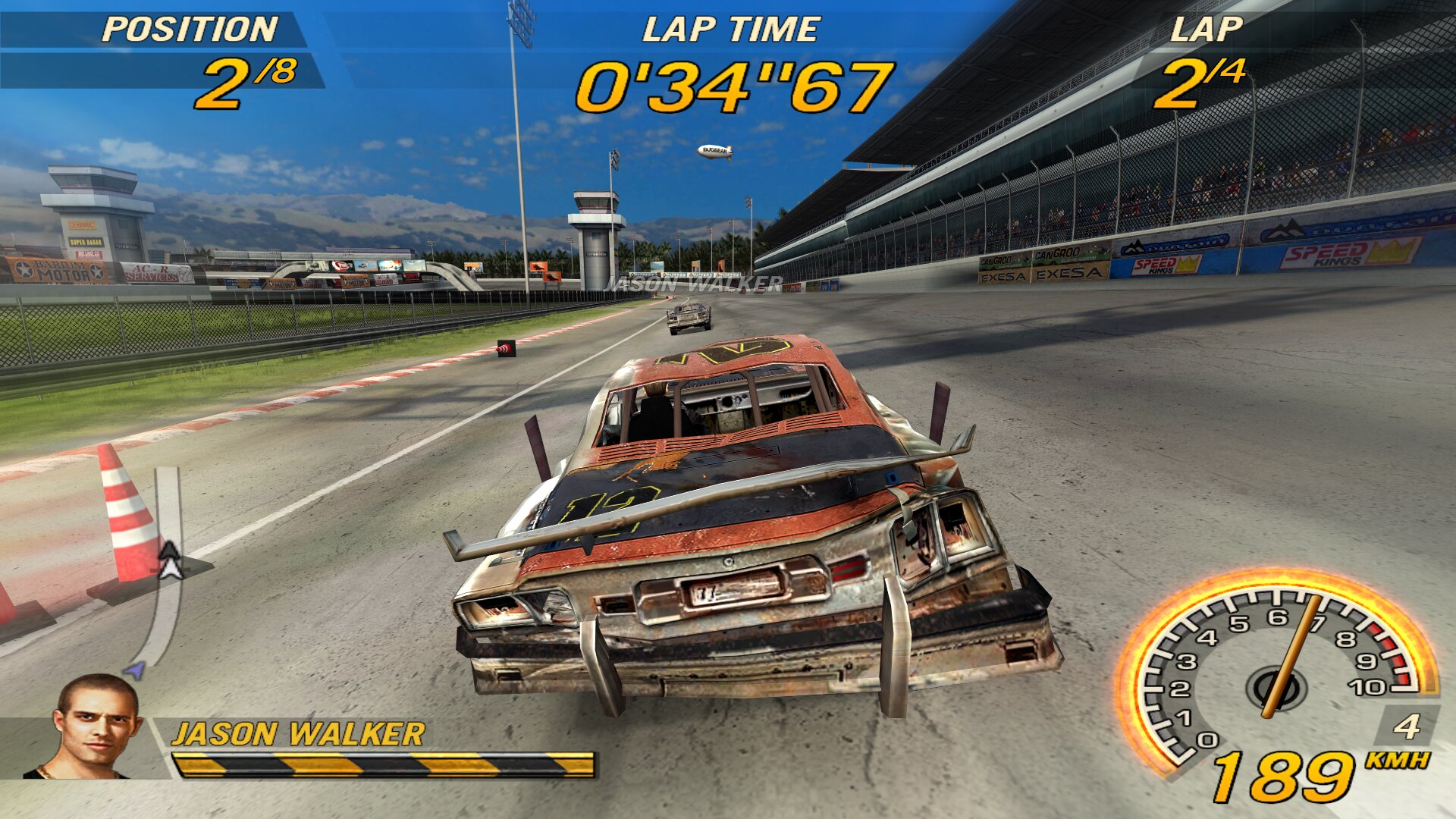
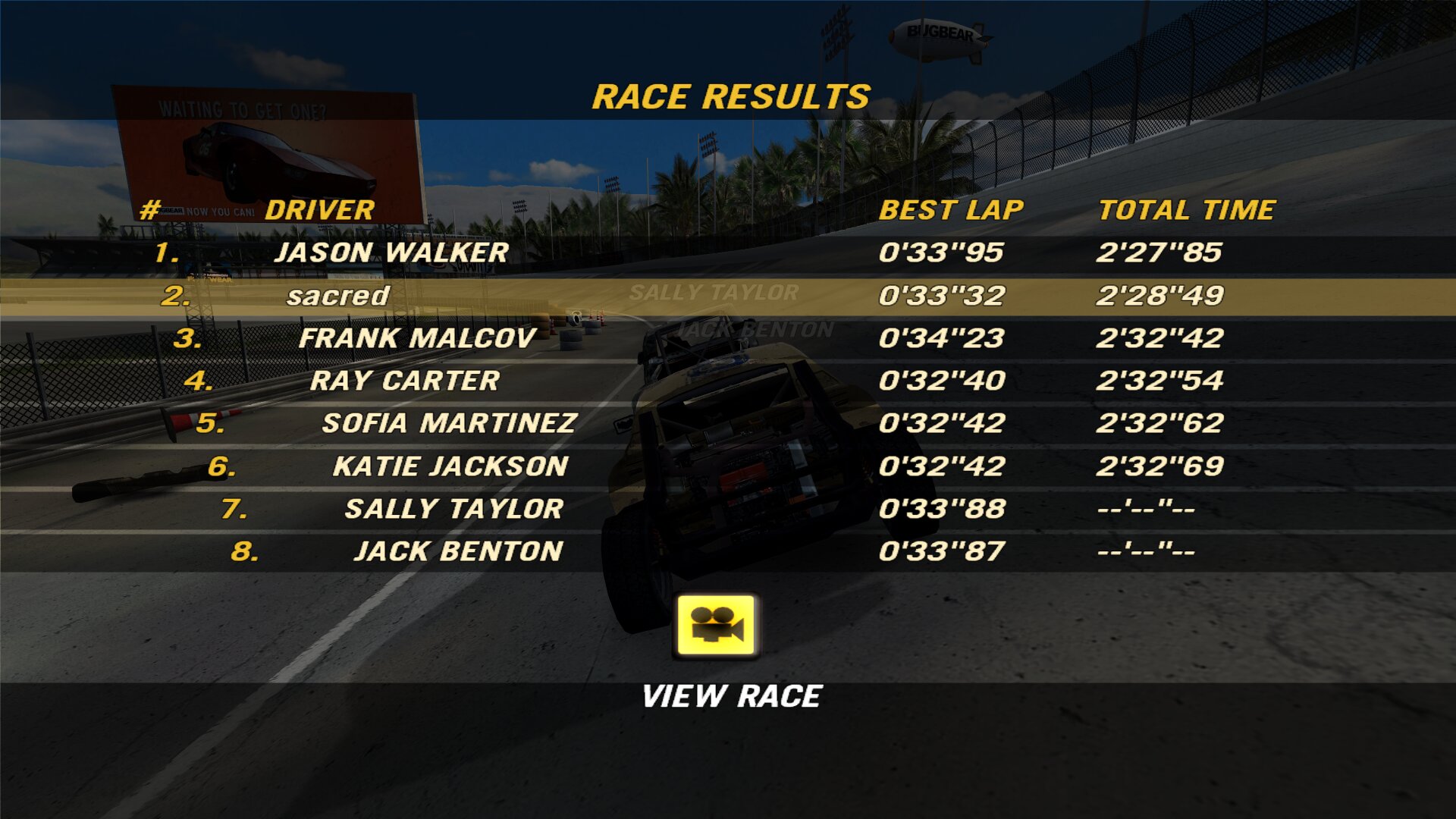
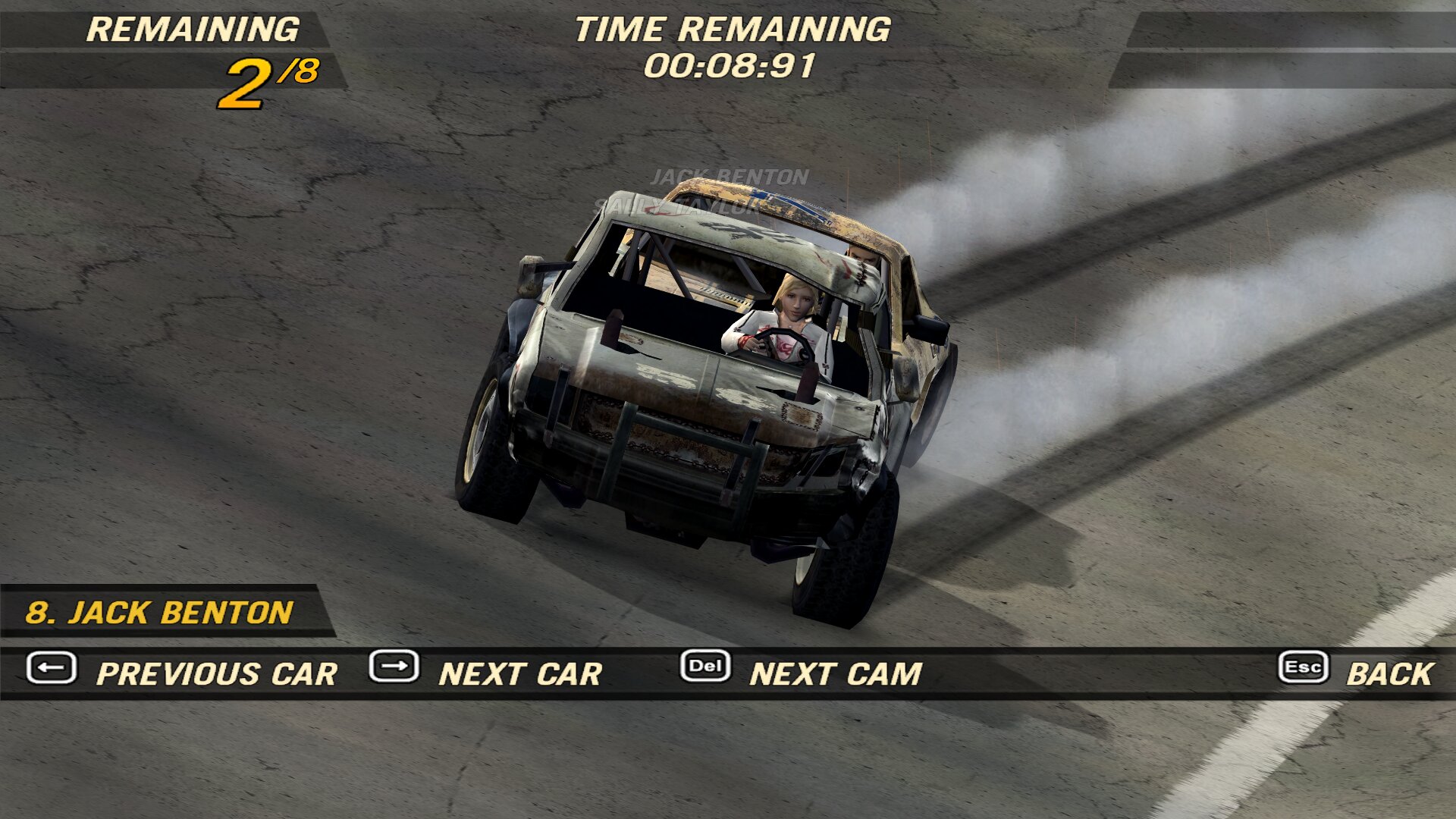
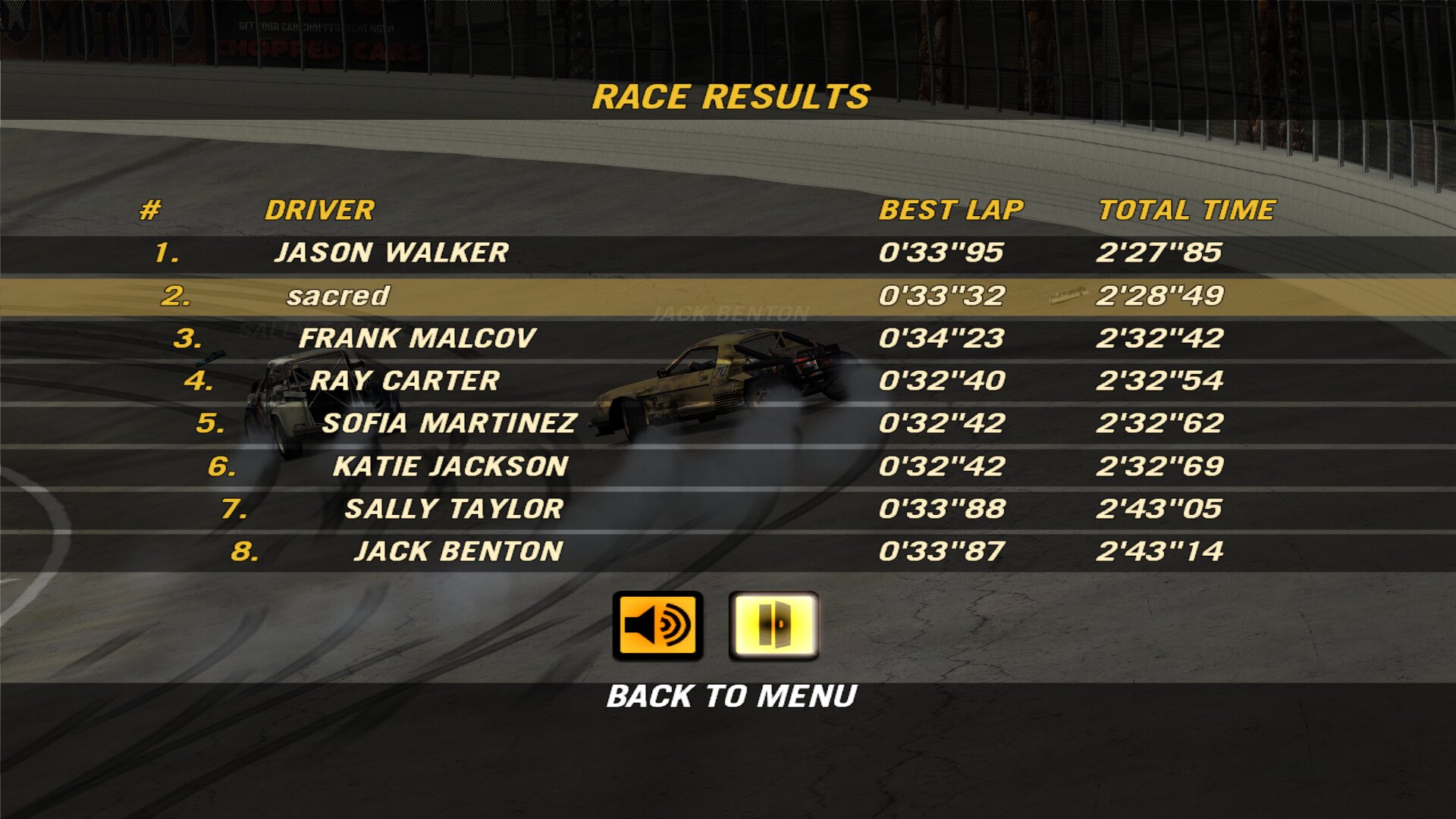
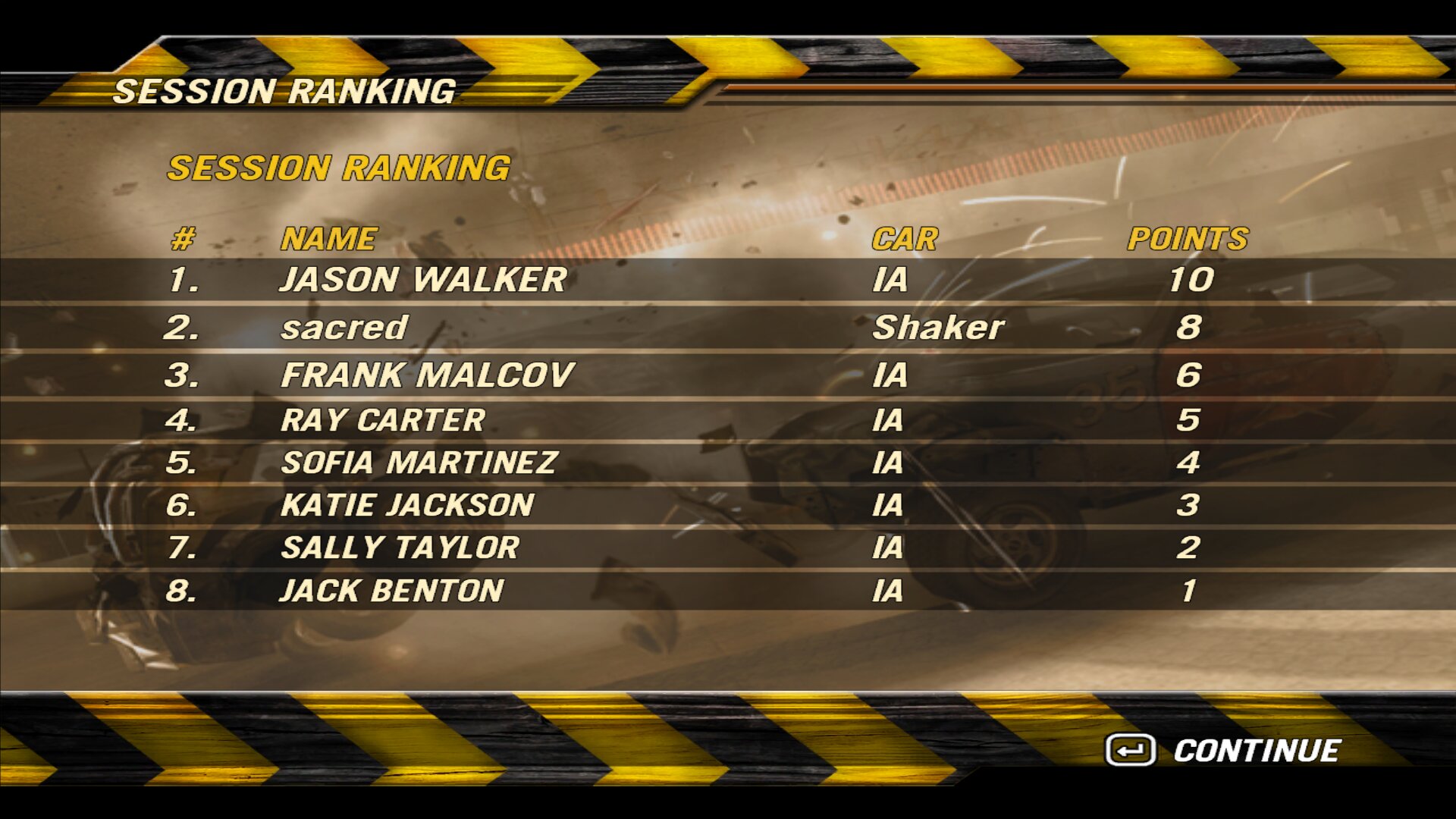
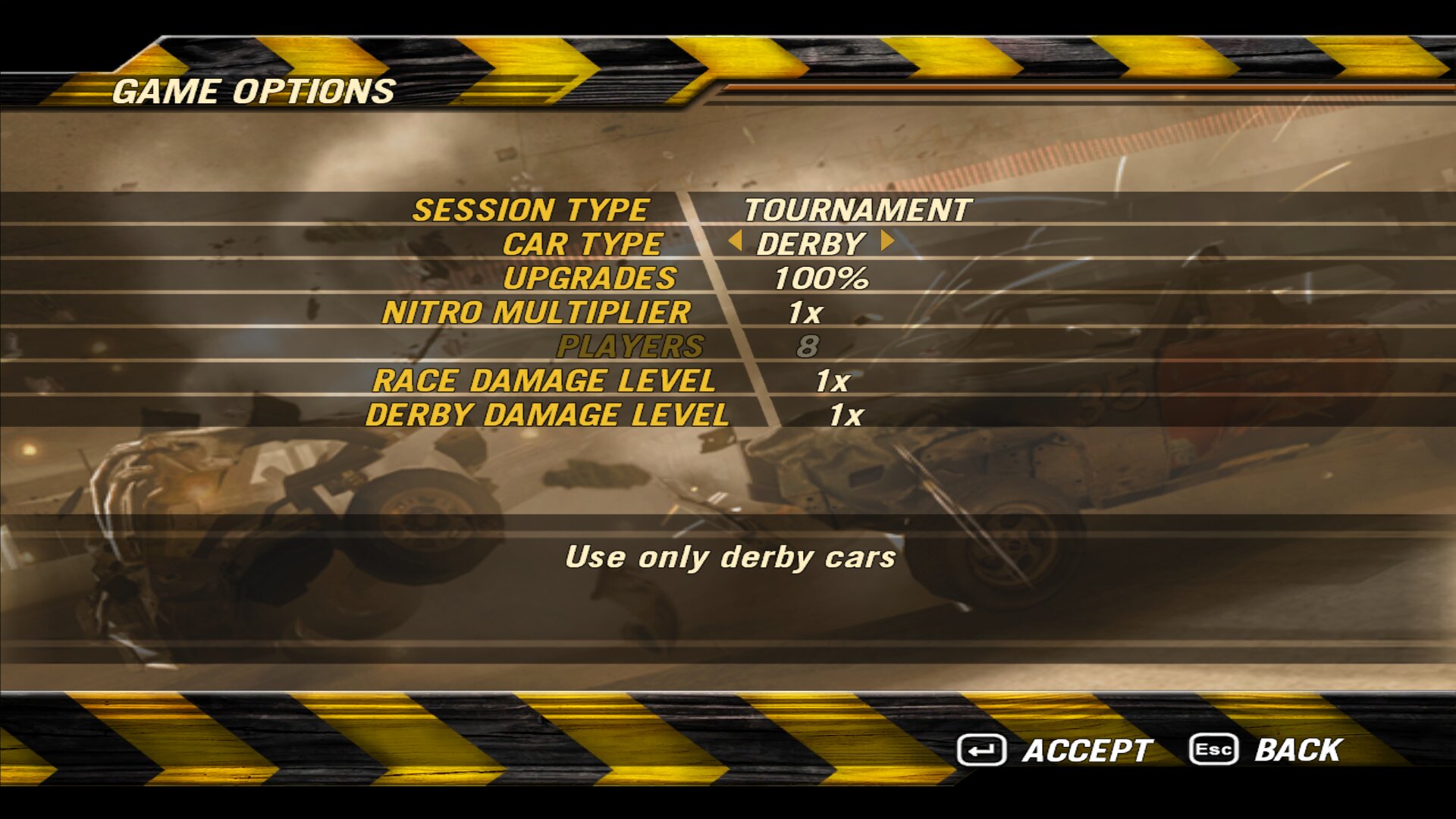
- AI drivers in LAN: the host adds and removes AI drivers in the lobby, and the AI races, scores tournament points and shows up in every player’s standings.
- Start alone: the host can start a LAN game with nobody else, only against the AI.
- AI in stunts too: simulated the same way on every machine, with the same scores on all of them.
Every player needs exactly the same version of the mod: if fo2plus.bfs does not match, the host ignores the connection.
3. Tournaments
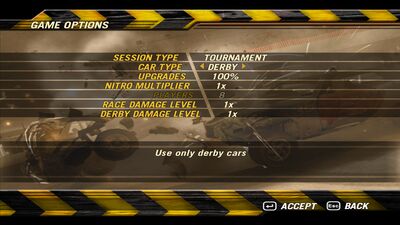
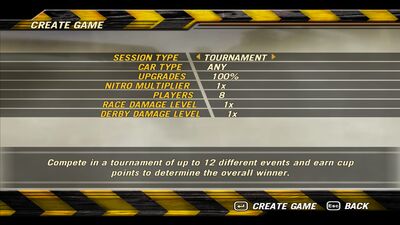
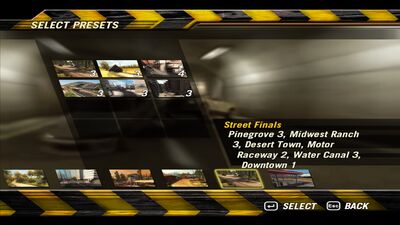
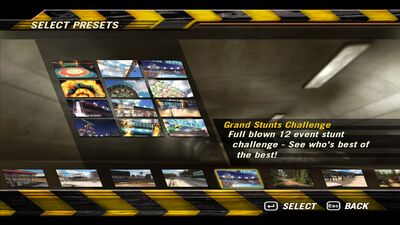
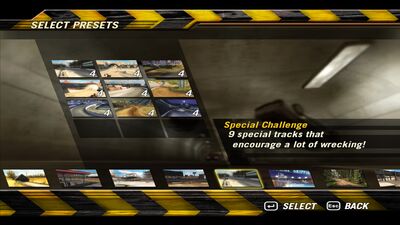
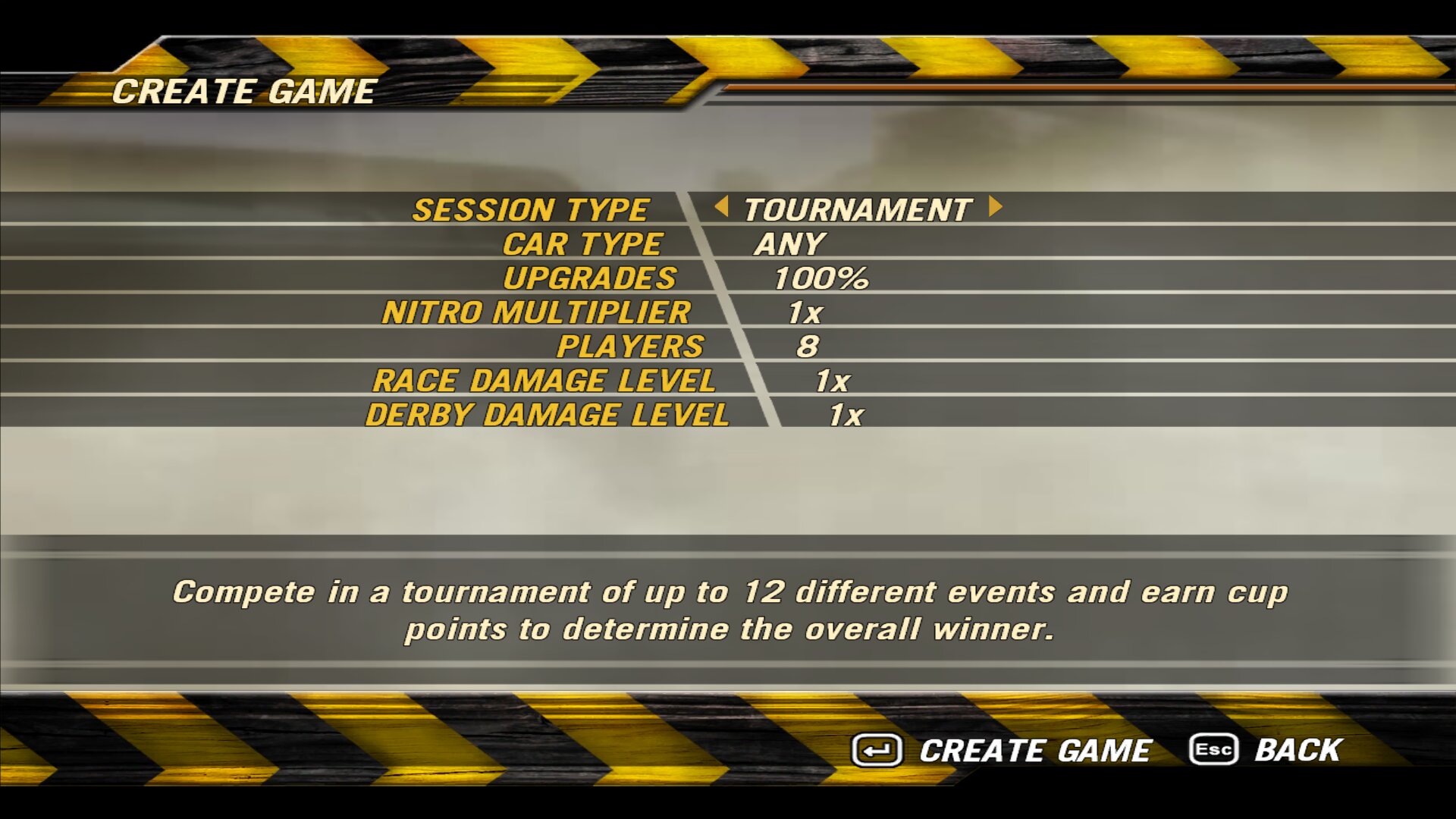
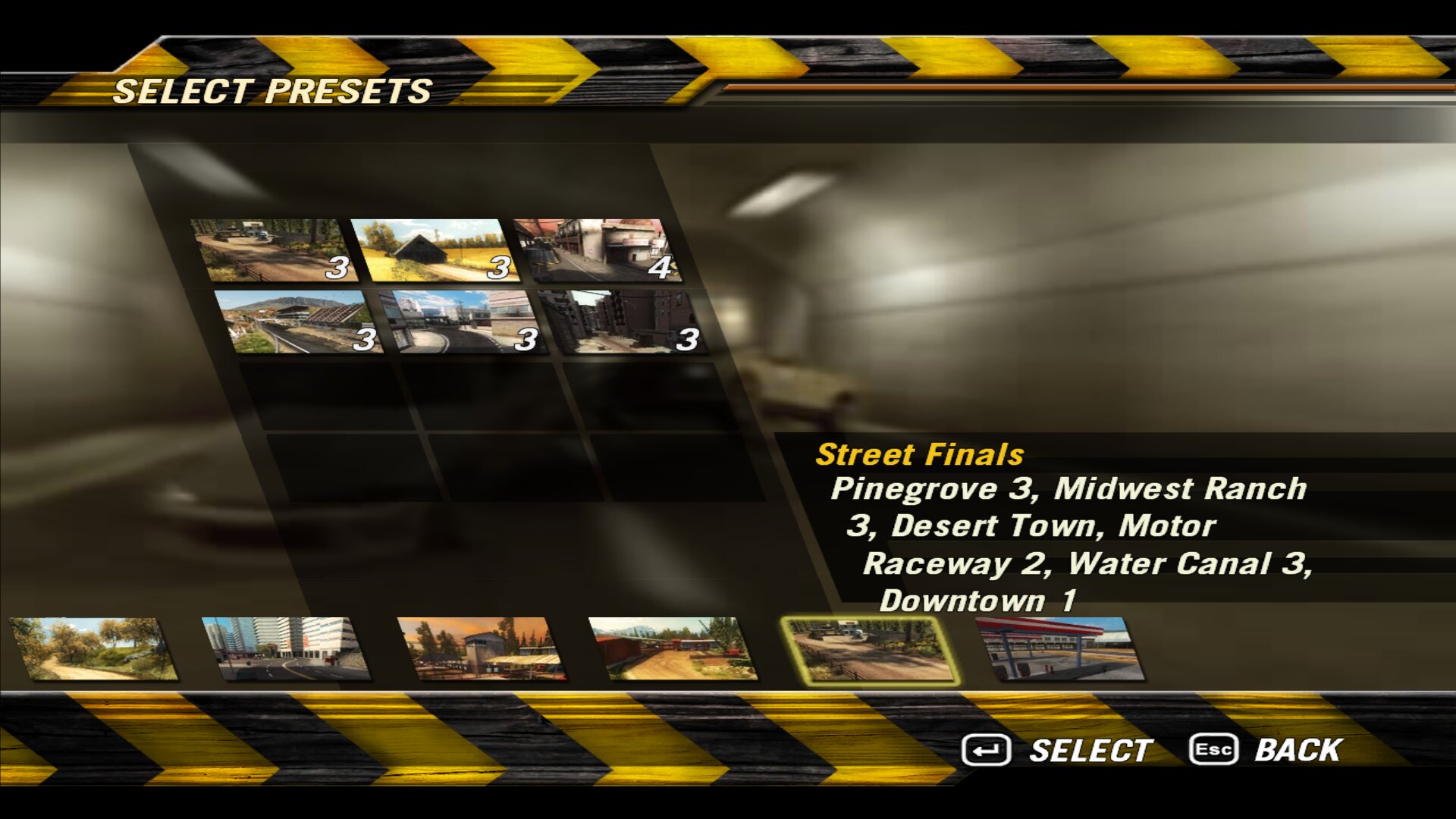
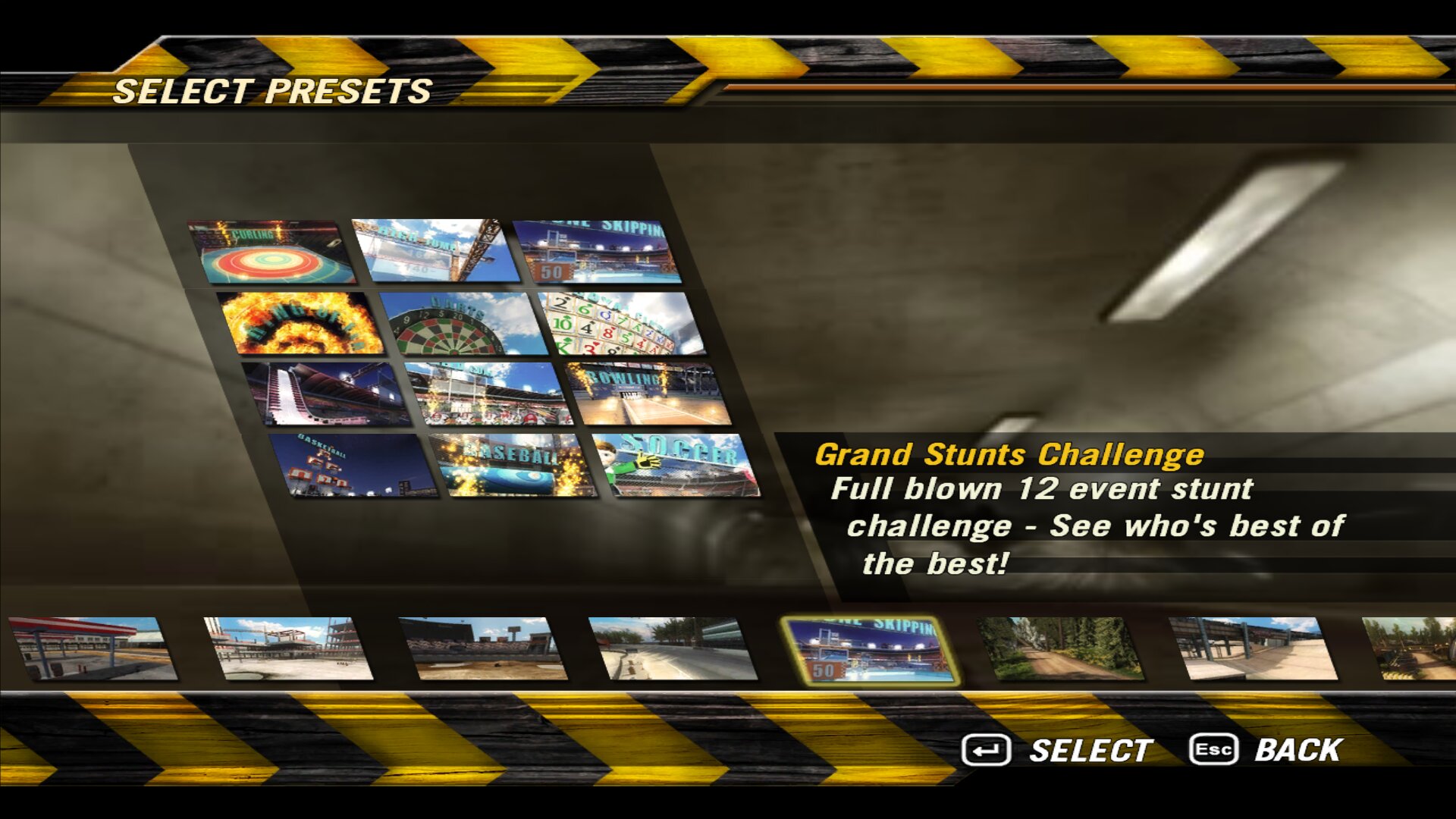
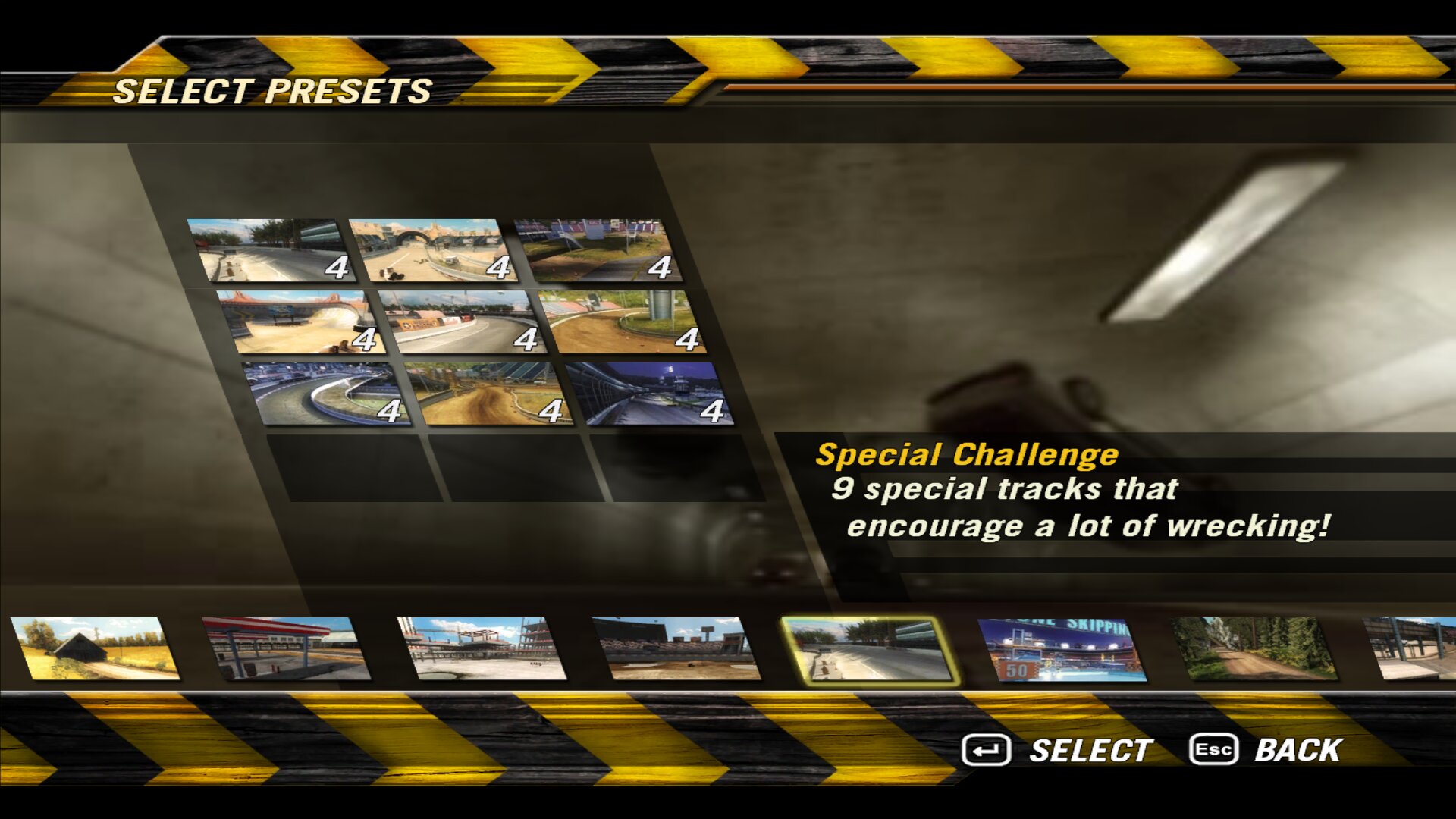
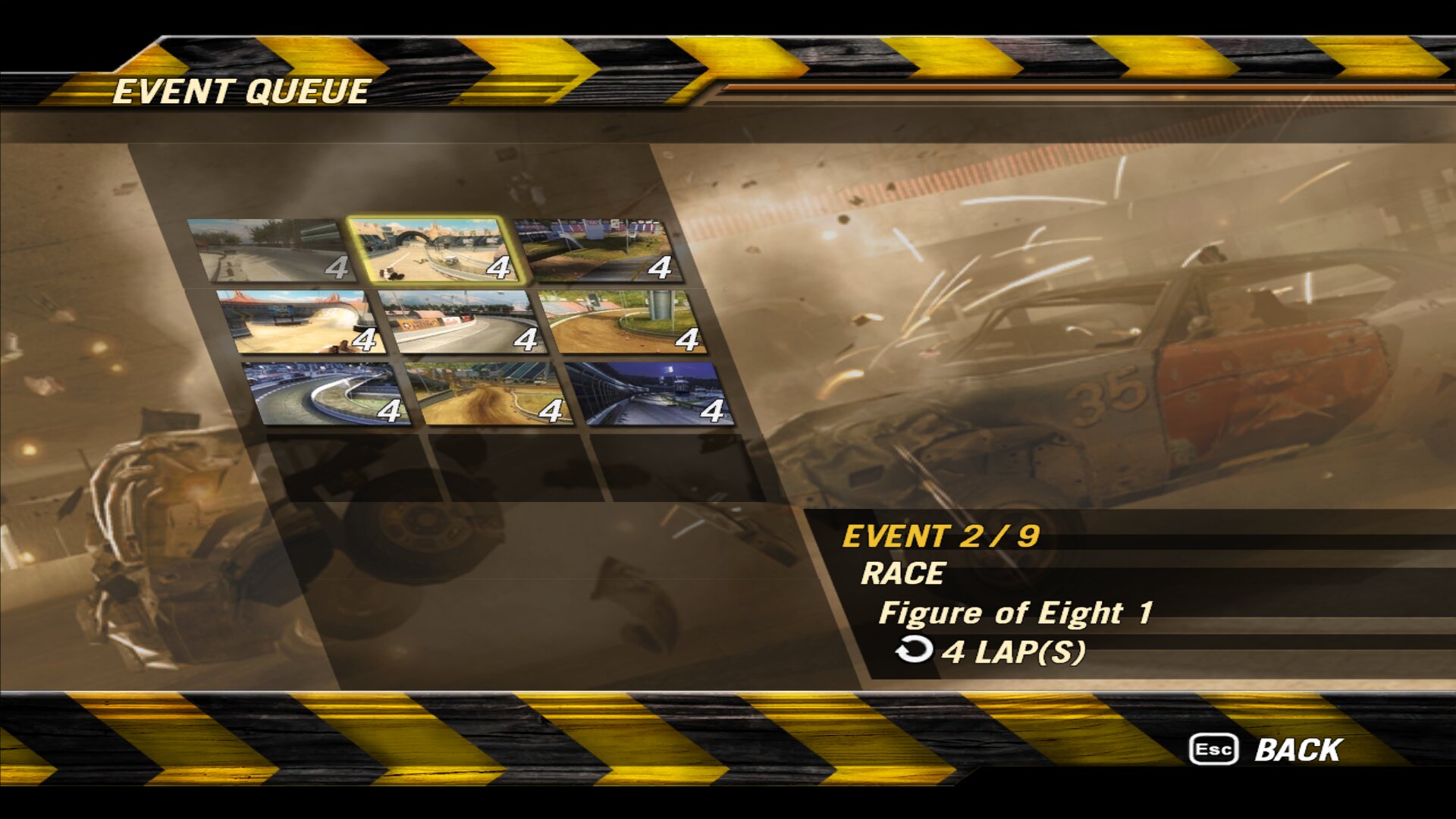
- Career cups as presets for multiplayer tournaments.
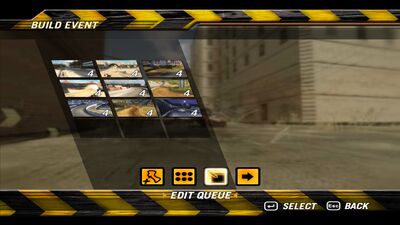
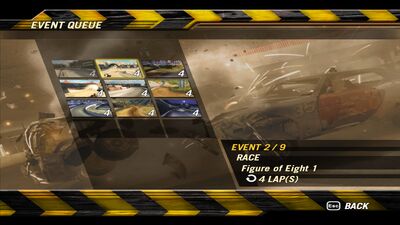
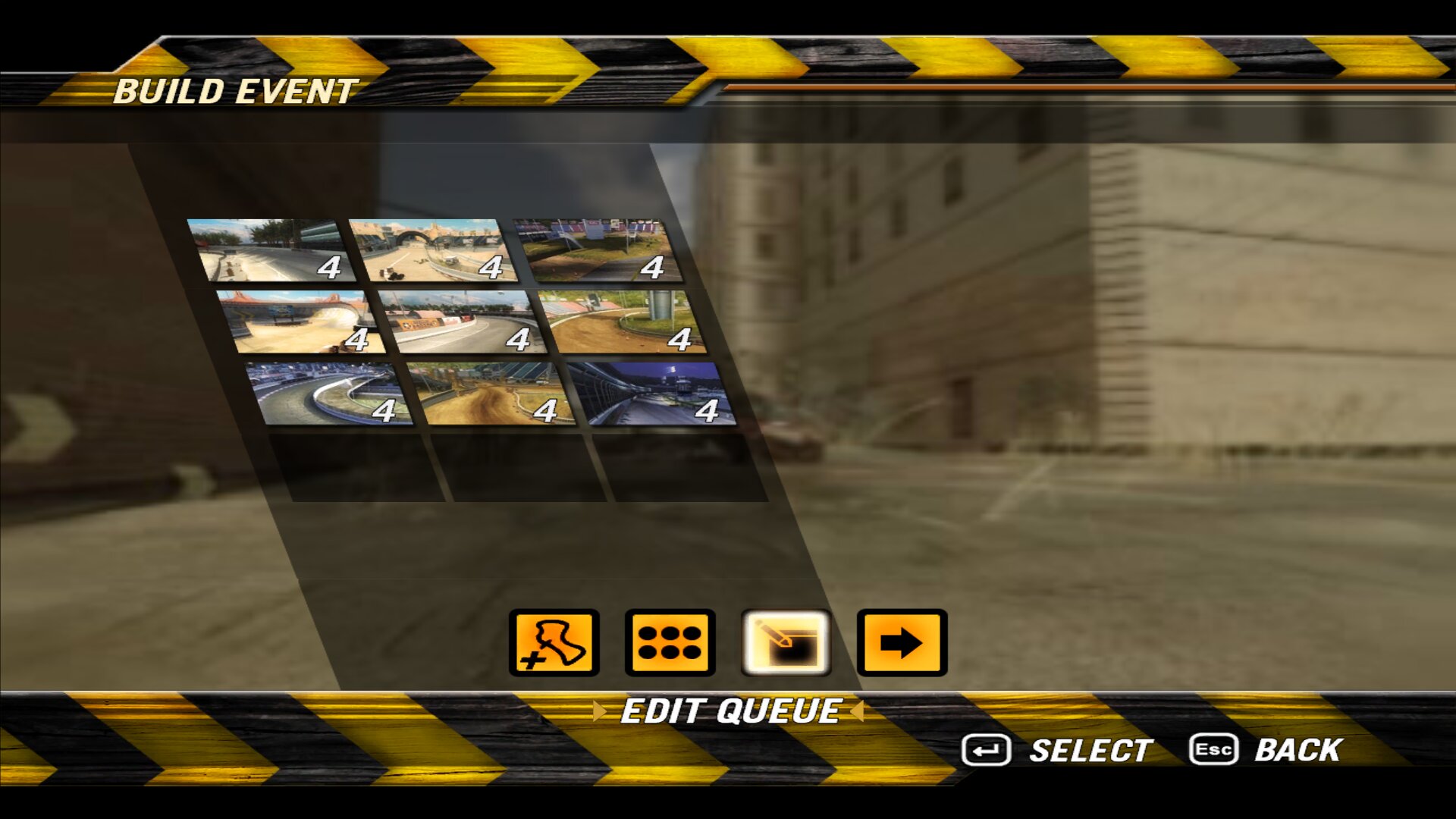
- “Fill with random races” fills up to 12 events with races and specials, without repeating a track, with random weather and 4 to 6 laps.
- End of tournament: final standings with the winners.
- Weather selector in the lobby: Normal, Winter, Christmas or Random for each event or for the whole tournament.
4. Winter and Christmas
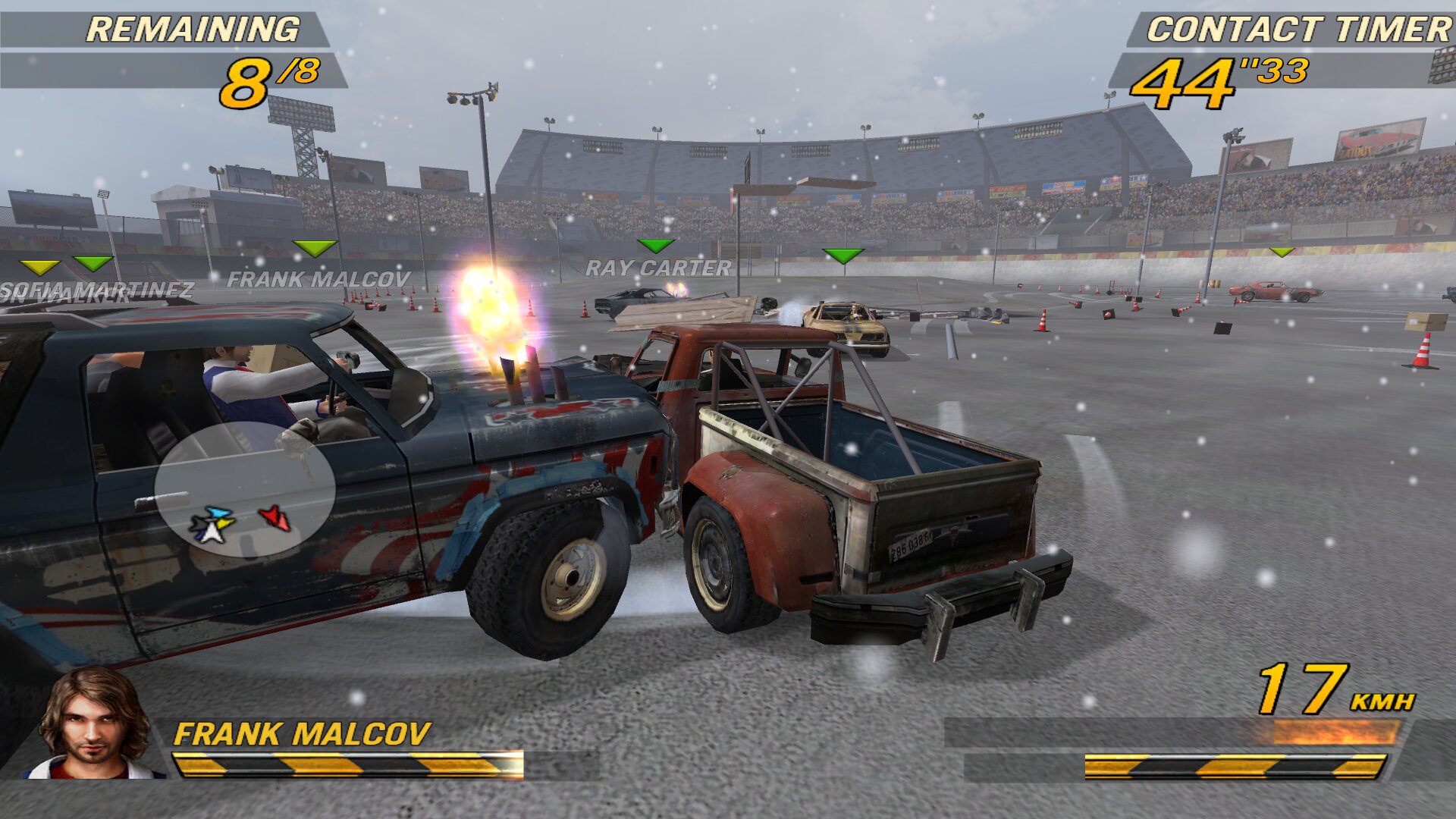
Winter
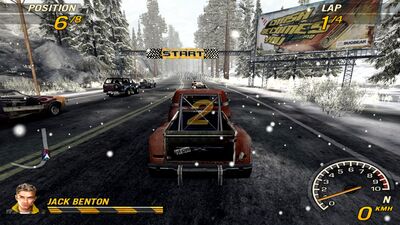
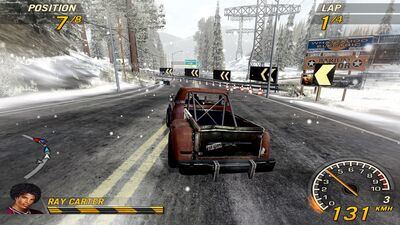
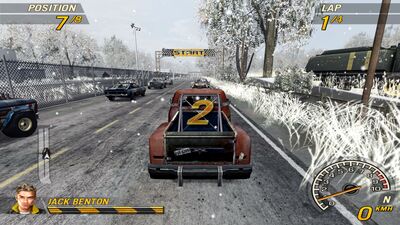
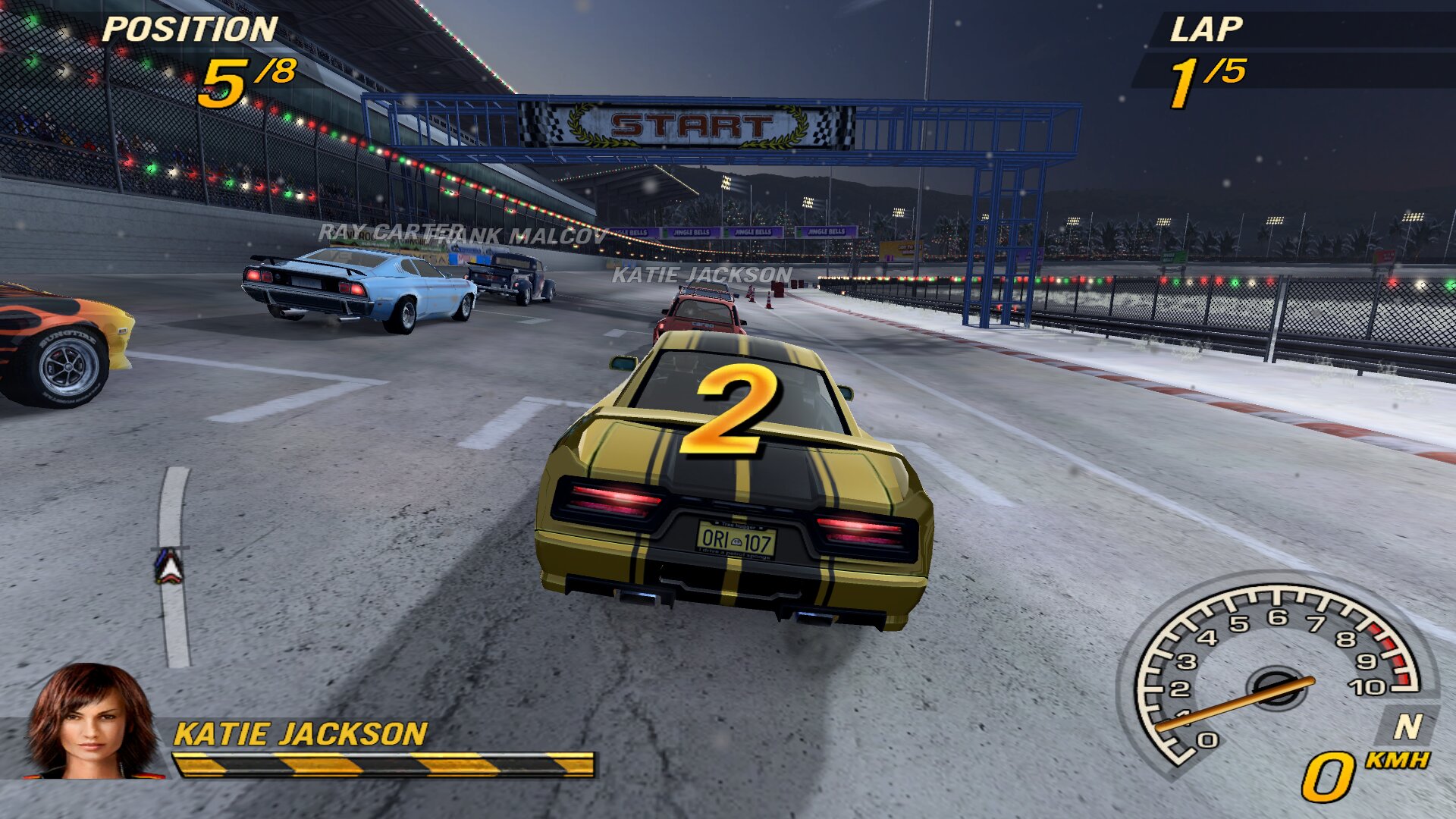
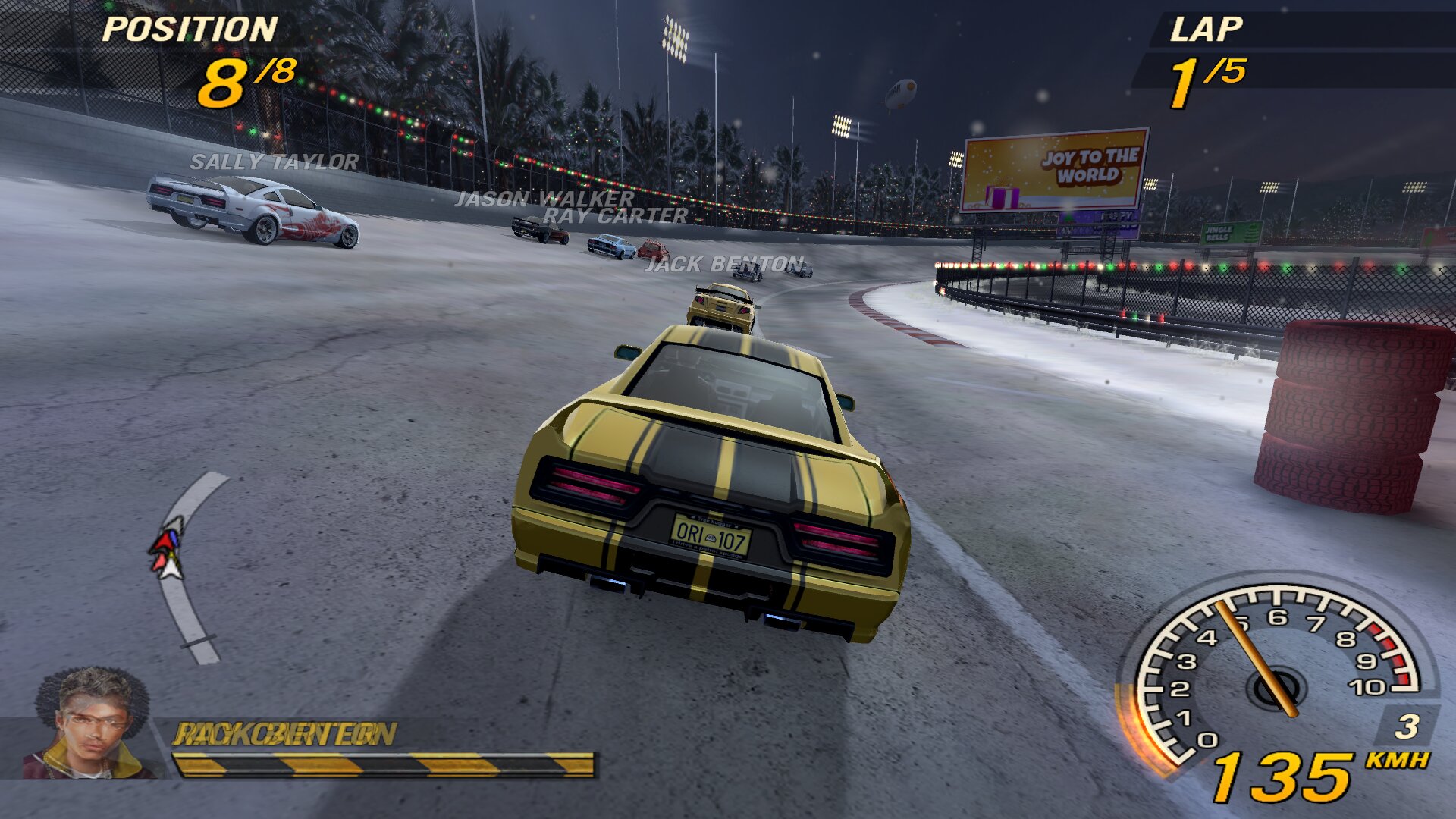
- 46 winter stages
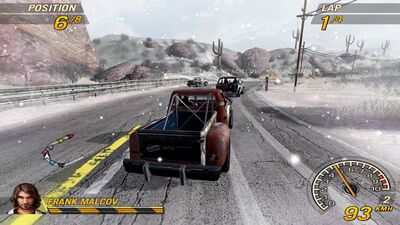
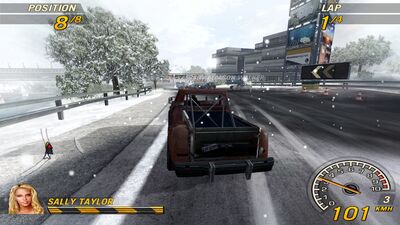
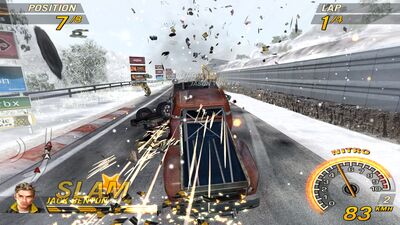
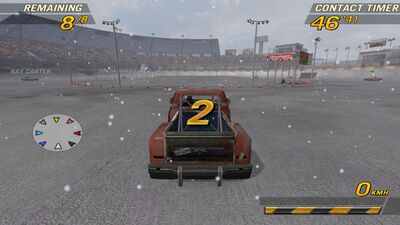
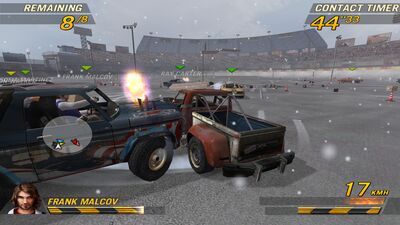
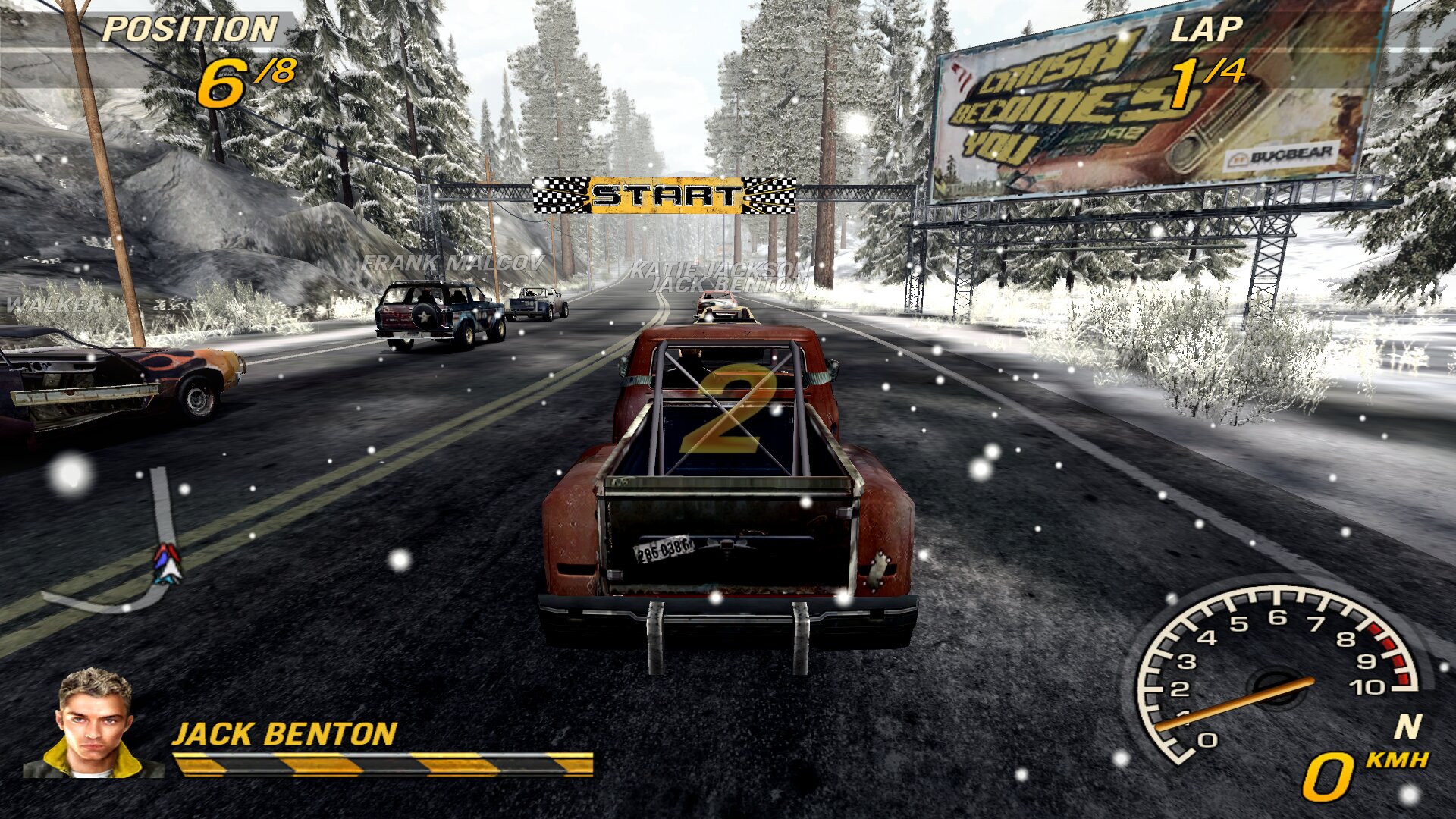
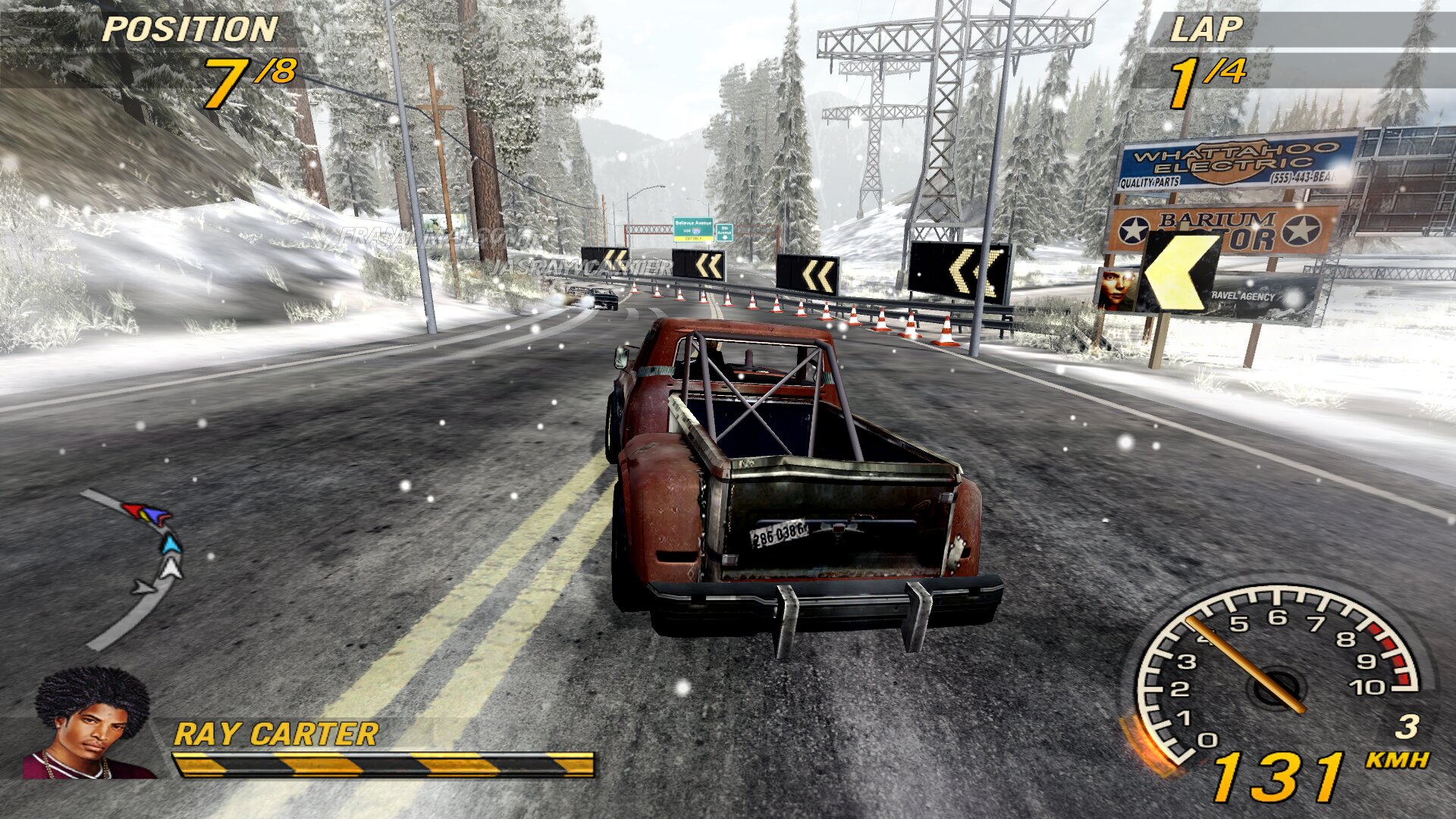
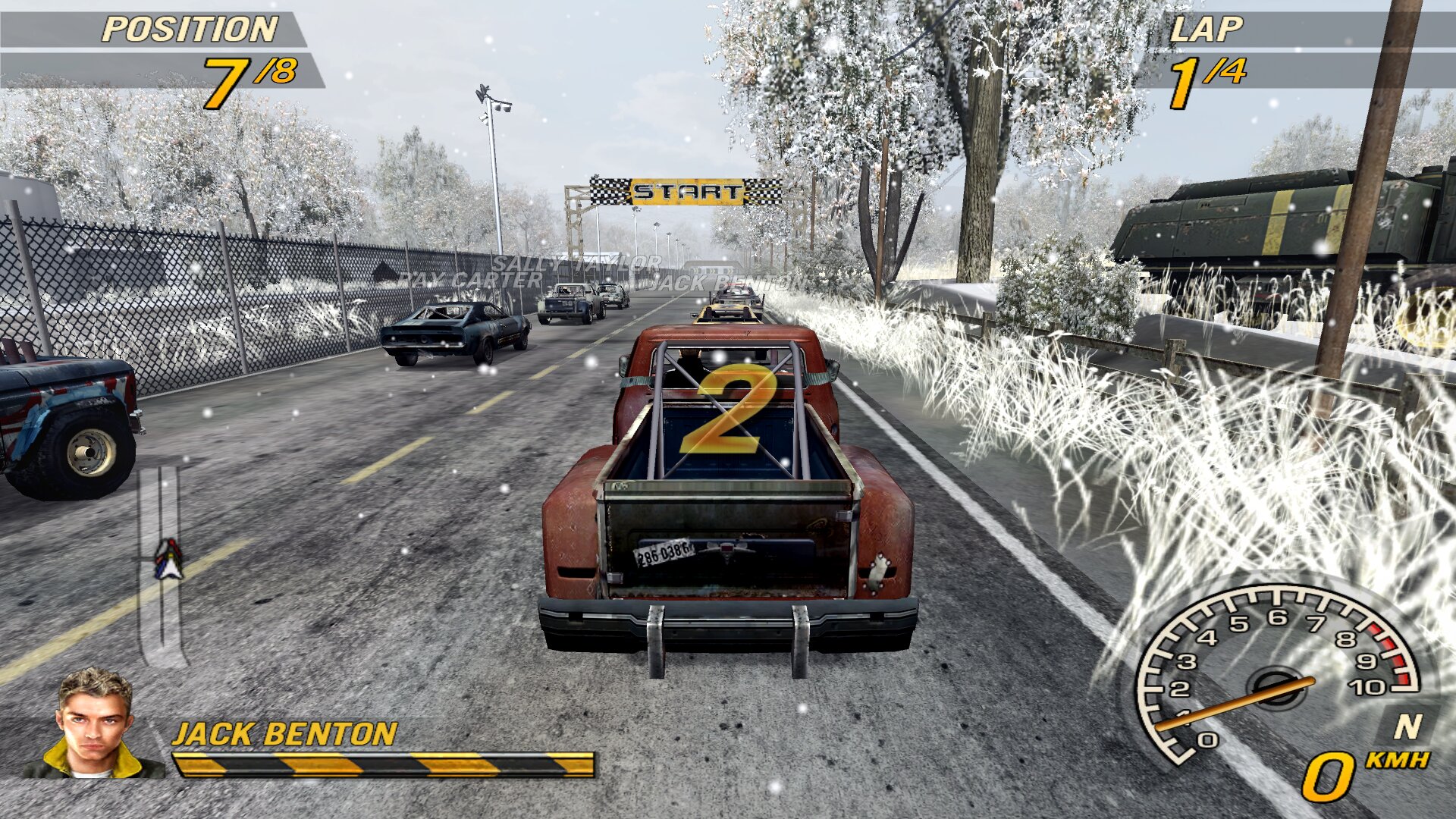
Christmas (optional)
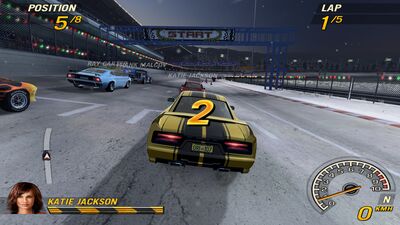
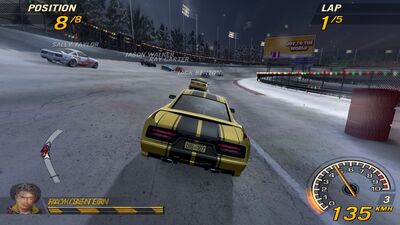
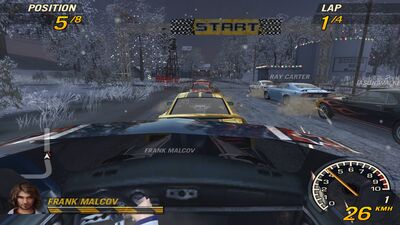
Turn it on by copying fo2plus_xmas.bfs into scenarios/ (it needs the winter files).
- 46 Christmas stages
- Christmas sounds
- Christmas music
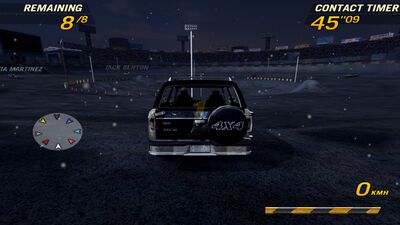
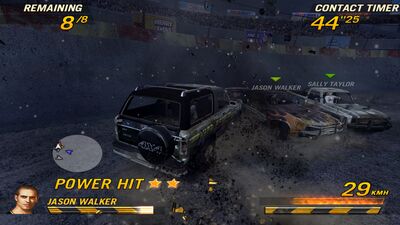
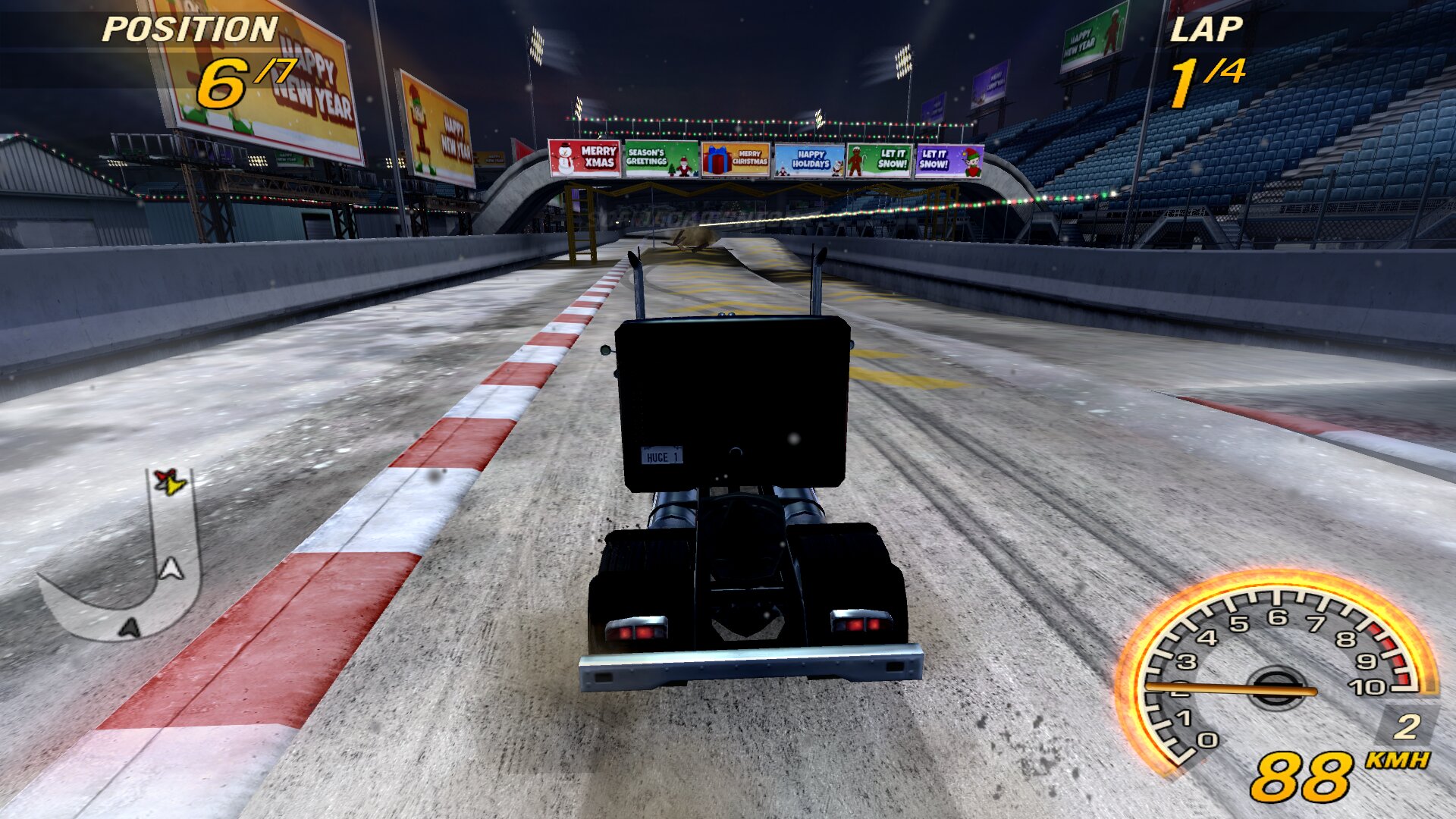
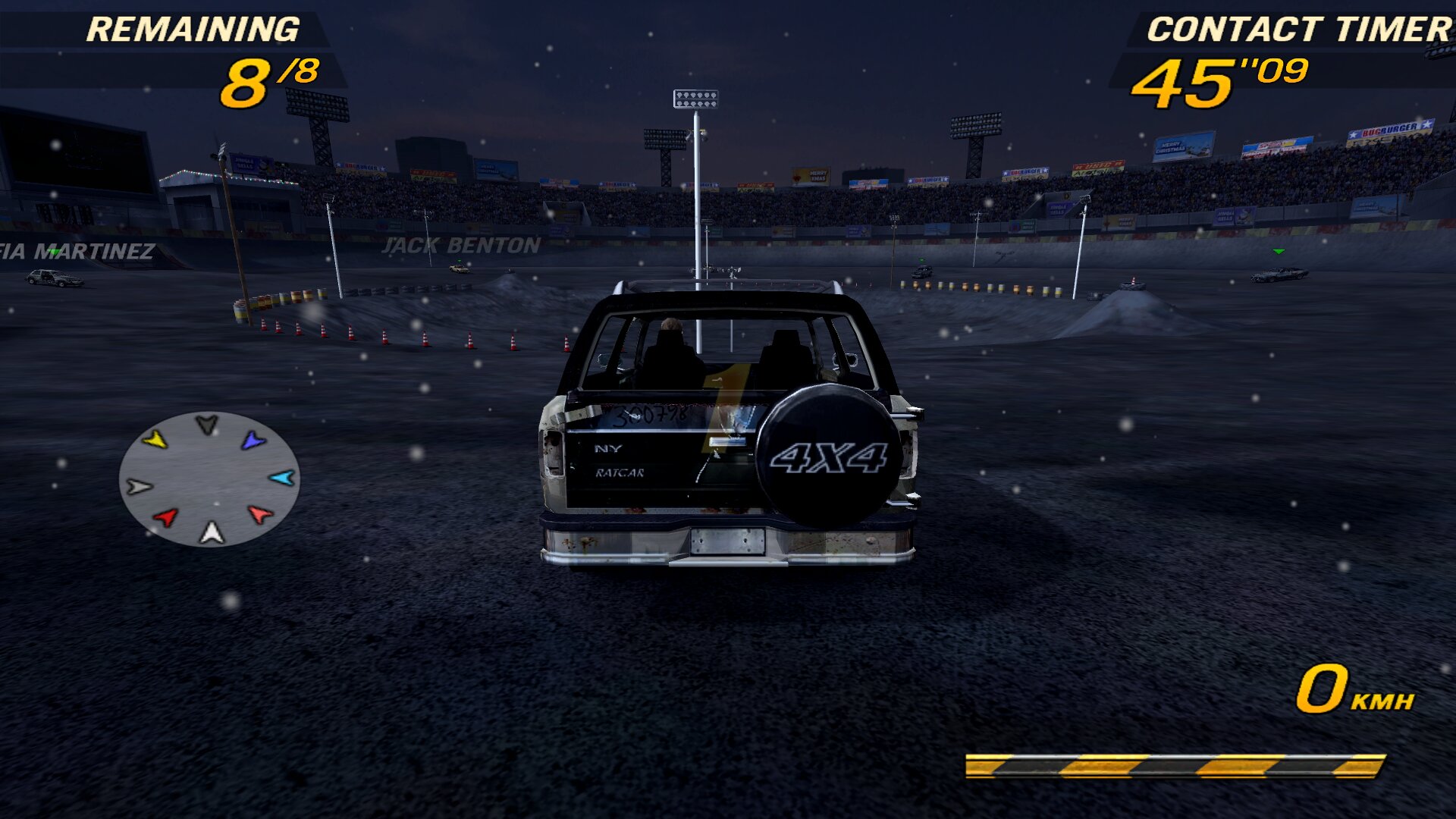
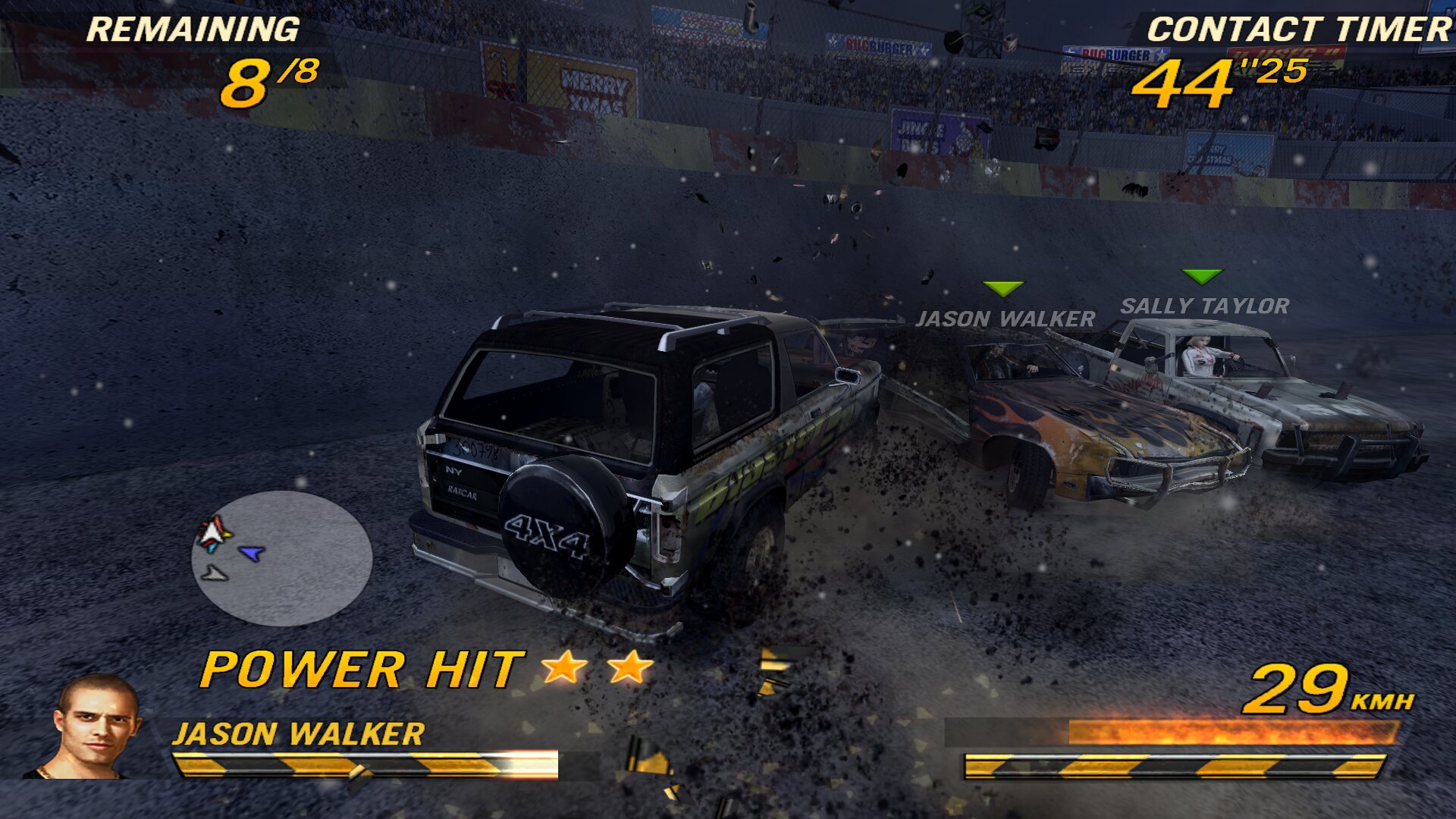
5. Split screen and gamepad
- Split screen
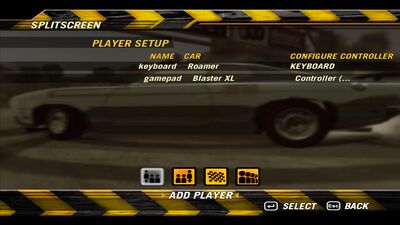
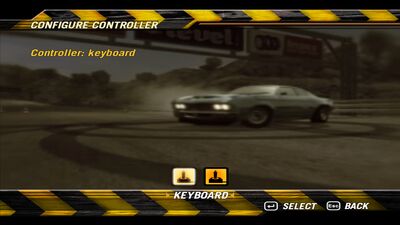
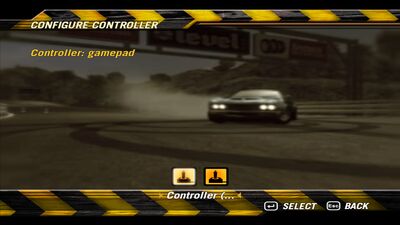
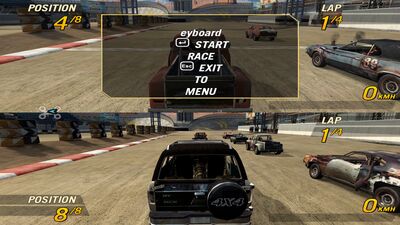
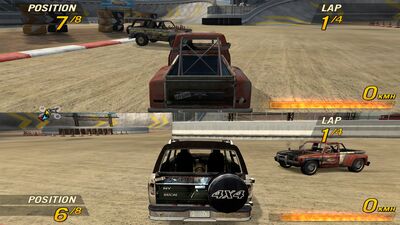
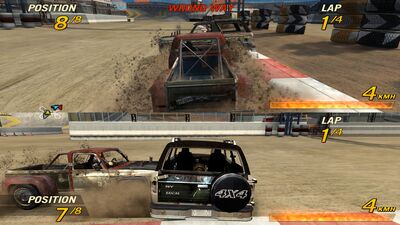
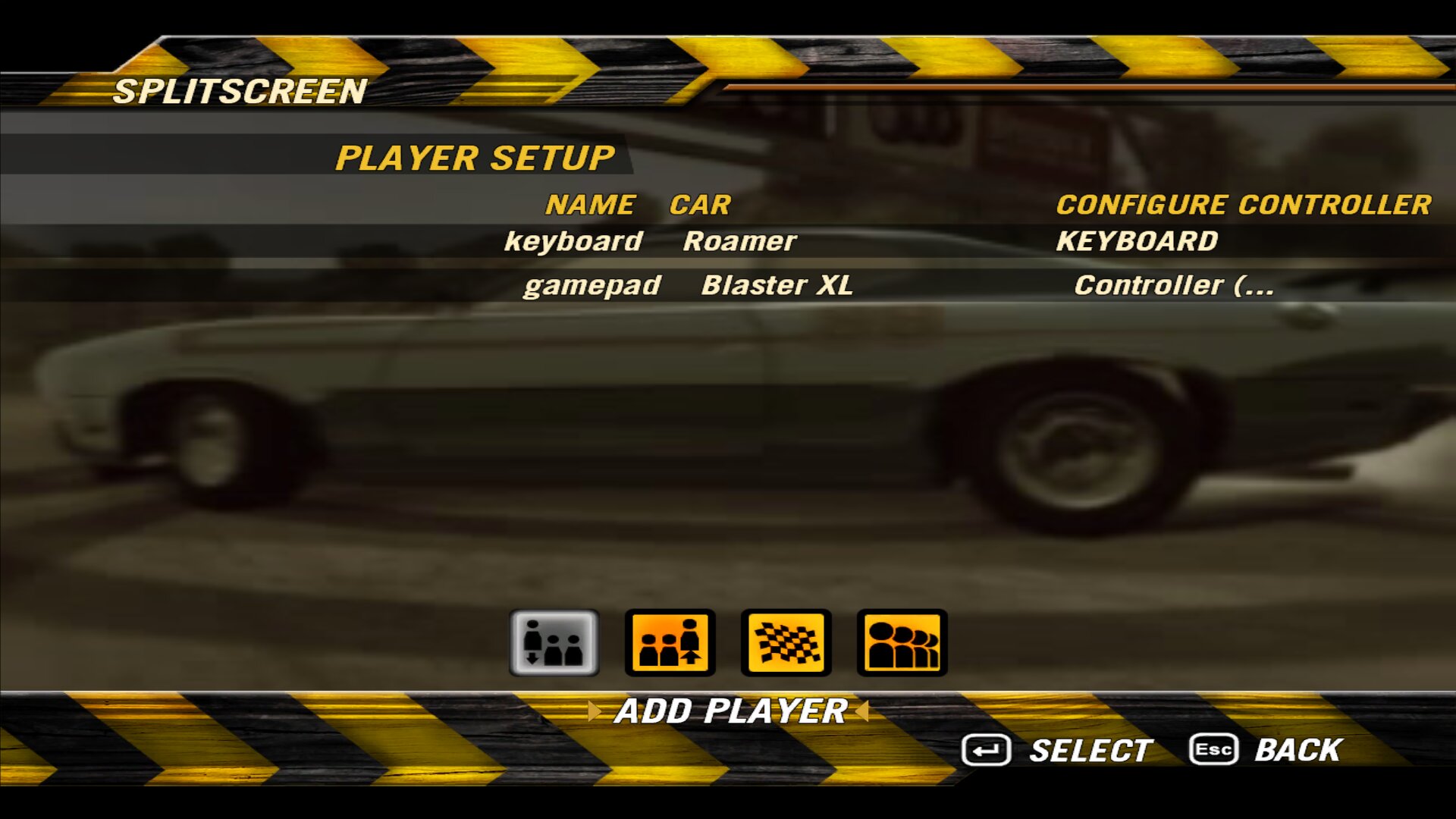
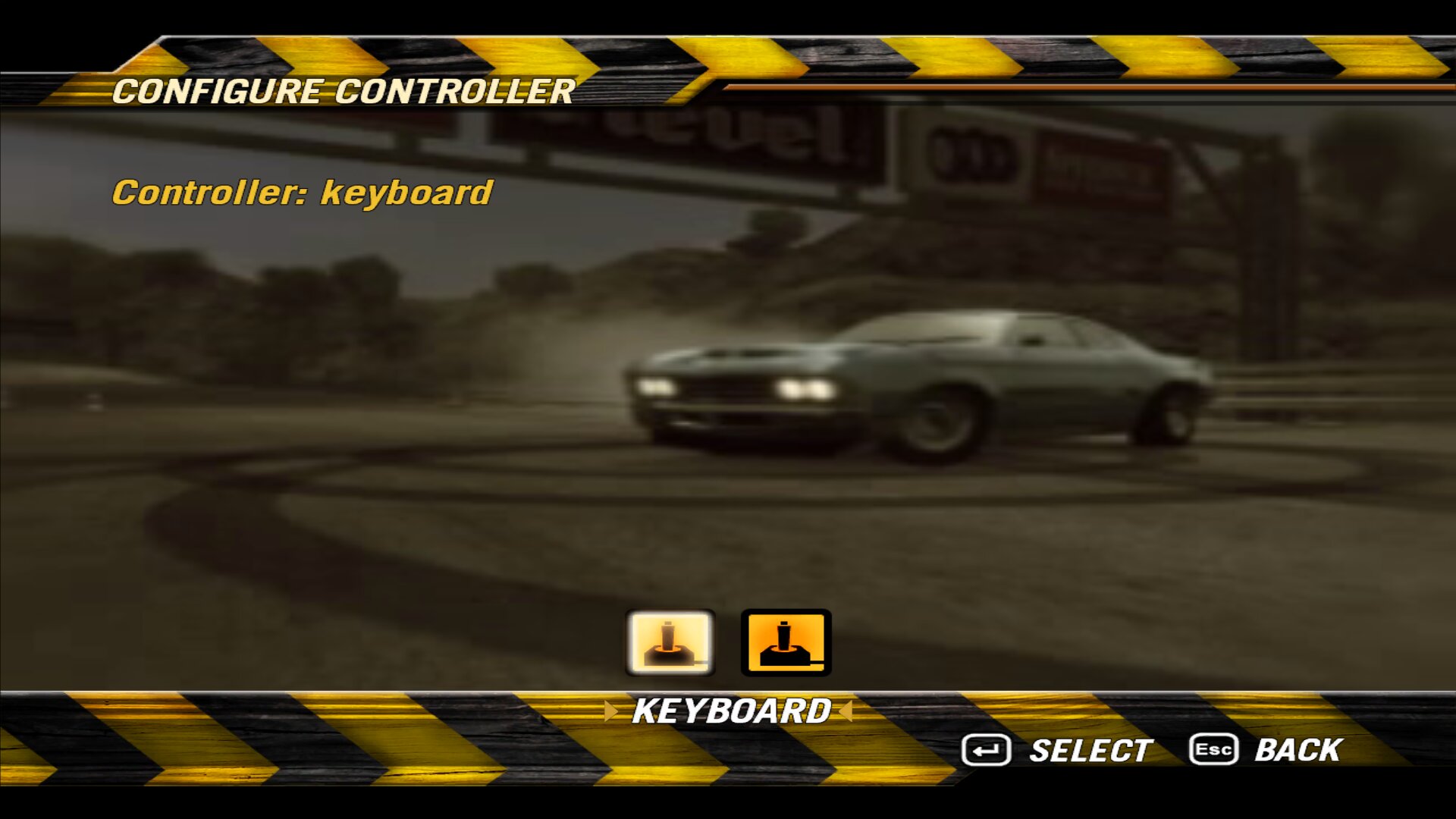
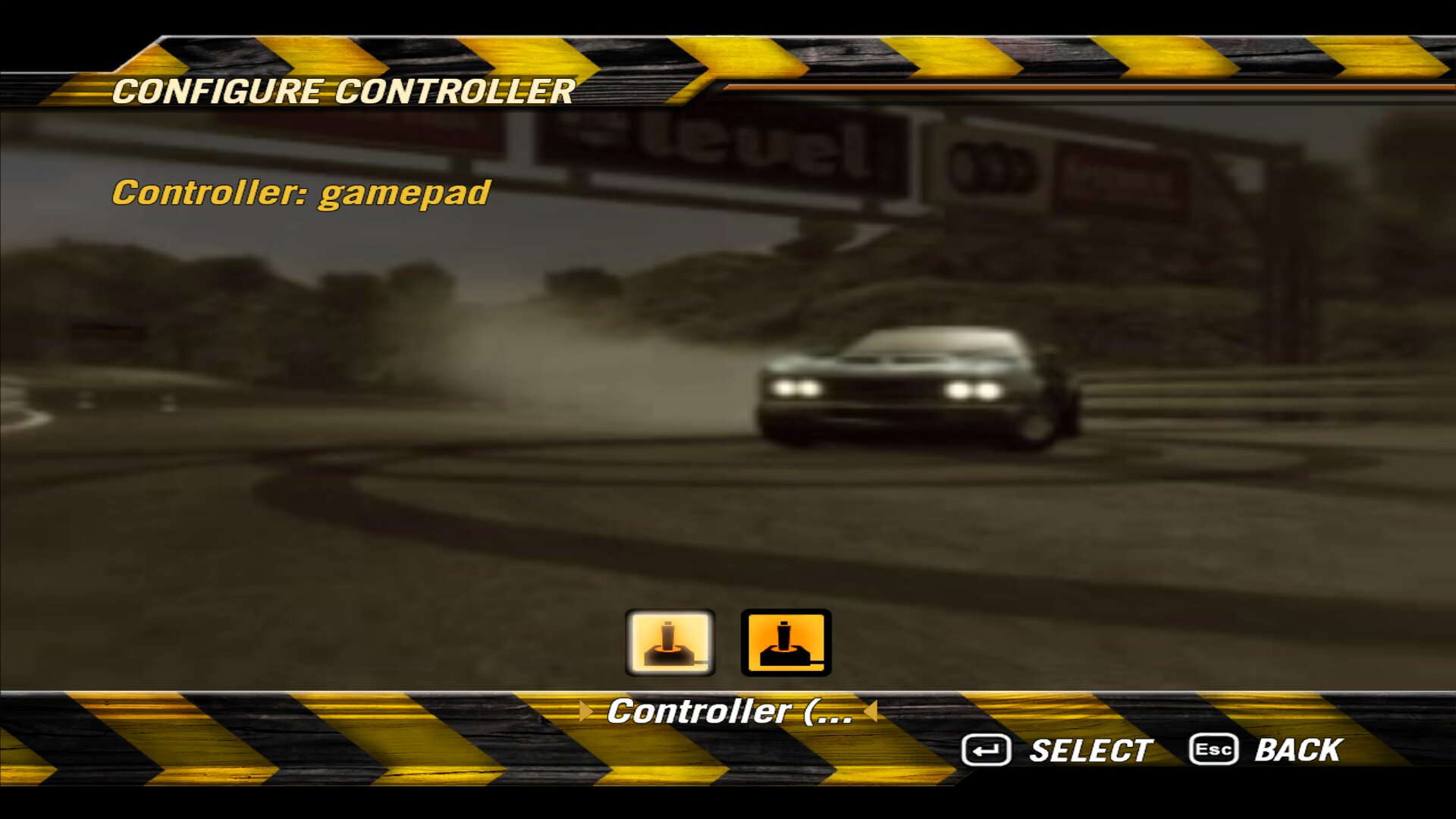
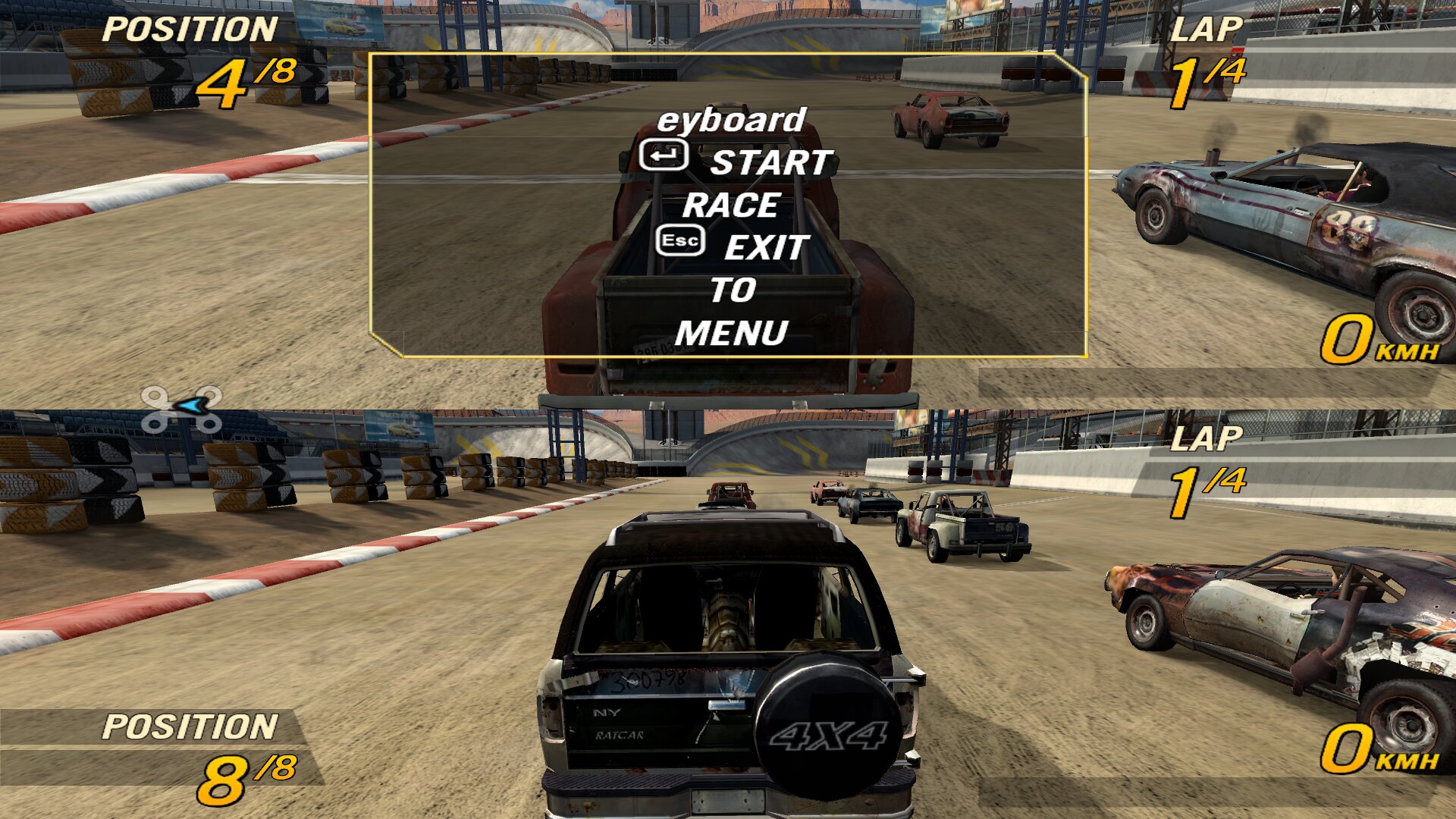
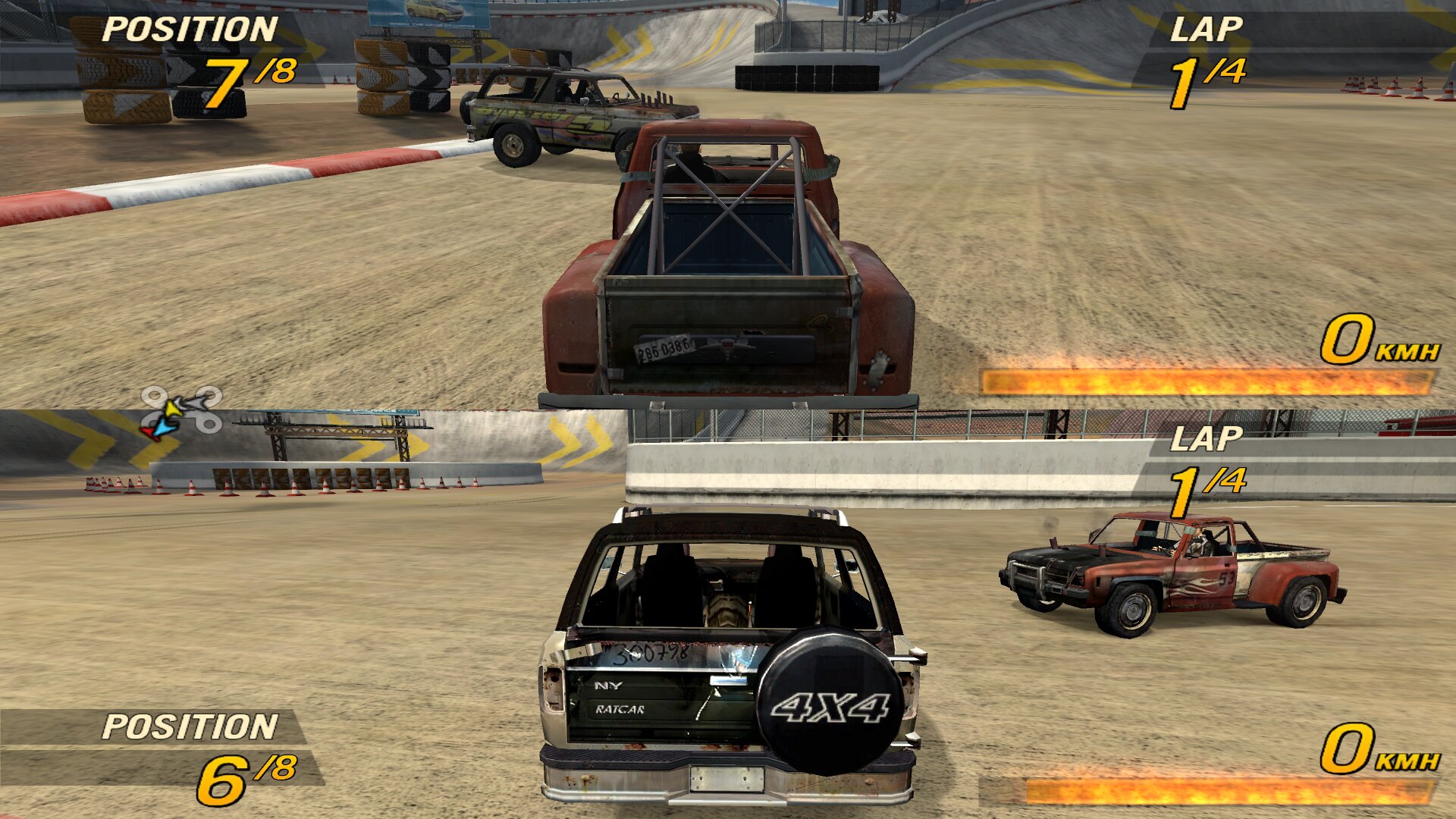
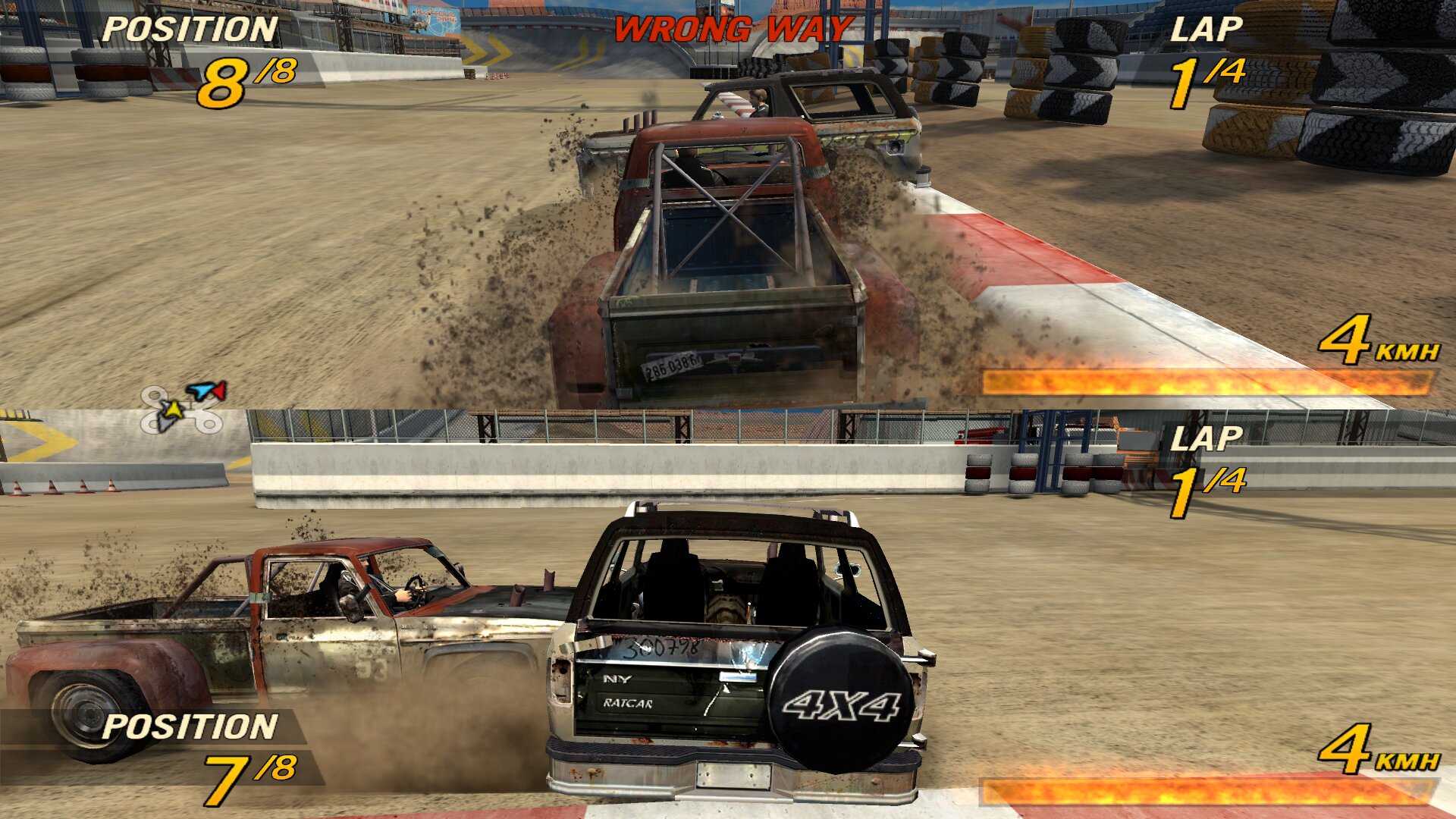
Setting up the gamepad (padconfig.exe)
The gamepad in the menus is off by default (remap = 0) and the default mapping fits an Xbox controller. If your buttons come out wrong:
- Run
padconfig.exefrom the game folder (next toFlatOut2.exe). - Click Start and press each control when asked. Skip leaves one unassigned; Redo selected (or a double click) repeats it and Clear selected removes it.
- Check the result live under Mapped:.
- Click Save: the mapping is written to
gamepad.inifor every gamepad or only for joystick 1 or 2. With the checkbox ticked, it also setsremap = 1info2plus.ini. - Restart the game.
- In the game, go to Options > Controls and change Keyboard to Gamepad. If you like, you can also change the gamepad controls there.
6. Handling and cars
- Improved handling of the School Bus, Truck, Ventura, Chili Pepper, Speedshifter, Terrator, Speedevil, Bullet GT and Road King
7. Opponent AI
- Hard AI in every race
8. Graphics and performance
- No sepia tint in the colour filter.
- Longer draw distance
- More memory allocated to Lua
9. fo2plus.ini options
| Section | Option | Default | What it does |
|---|---|---|---|
[gamepad] |
remap |
0 | Gamepad in the menus as set in gamepad.ini |
[video] |
frame_pacing |
0 | Spreads physics steps evenly over frames |
[video] |
vsync |
1 | Vertical sync |
[video] |
grass_dist |
150 | Grass distance, % of the original (50–1000) |
[video] |
tree_dist |
150 | Distance of the full 3D tree model, % (50–1000) |
[video] |
dyn_lod |
200 | Distance of the detailed prop model, % (50–1000) |
[video] |
snowfall |
100 | Falling snow, % (0–200; 0 = off) |
[video] |
fog |
1 | Winter fog: 0 off, 1 Direct3D, 2 layered |
[video] |
xmas_lights |
100 | Christmas light brightness, % (0–200) |
[sound] |
xmas_music |
0 | Christmas music (turns on by itself with the Christmas weather) |
[debug] |
crash_log |
0 | Writes fo2plus_crash.log if the game crashes |
10. Ports and firewall (LAN)
The game uses UDP ports 23756 (game) and 23757 (LAN search). The host’s reply is a broadcast, so the ports must be open on every machine:
- Windows: allow
FlatOut2.exein Windows Defender Firewall for the Private network. - Linux (ufw):
sudo ufw allow from 192.168.1.0/24 to any port 23756:23767 proto udp(change192.168.1.0/24to your local network).
To run two copies of the game on one machine, give the second one other ports in Savegame/options.cfg (for example Port=23766, BroadcastPort=23767). If the game does not show up in the list, join by IP with -lan -join=HOST_IP:23756.
11. Uninstall and bug reports
Uninstall: restore FlatOut2.exe and patch from your backup and delete fo2plus.dll, fo2plus.bfs, FlatOut2.db and padconfig.exe.
Bugs: set crash_log = 1 in fo2plus.ini (section [debug]). The game writes what happened to fo2plus_crash.log; if it freezes, press Ctrl+F12 before closing it.
12. Credits
FlatOut 2 belongs to Bugbear Entertainment / Empire Interactive. Christmas music, volume-adjusted and converted to OGG (LICENSE-xmas-music.txt lists every track with its author and license):
- Music by Kevin MacLeod (incompetech.com), licensed under CC BY 4.0.
- Sounds from Free Sounds Library, licensed under CC BY 4.0 and, for two tracks, CC BY-NC 4.0.
- Recordings by the United States Air Force Band and other files from Wikimedia Commons, public domain or CC0.
- Music from Pixabay (Pixabay Content License).